
Operating System
Small businesses face growing cyber threats daily. These 10 proven cybersecurity tactics help protect sensitive data, prevent costly breaches, and build trust with customers—without overwhelming your team or budget.
Implement Multi-Factor Authentication Everywhere

If your team still relies on just passwords for access, you’re leaving the digital front door wide open. Multi-Factor Authentication (MFA) adds a second verification step—like a code from your phone or a fingerprint scan—making it nearly impossible for automated bots to breach your accounts.
Most platforms now offer zero-config MFA, including Office 365, Google Workspace, and even social media. For remote teams, this means protecting sensitive data without sacrificing convenience. Studies show MFA blocks 99.9% of automated attacks, including credential stuffing and brute-force attempts. Even free tools like Microsoft Authenticator or Google Authenticator provide enterprise-grade security.
Start with your most critical accounts—email, cloud storage, and financial tools—and roll it out company-wide. It’s the simplest way to turn a hacker’s easy target into a locked vault. ⚡
Regular Software Updates and Patching

Hackers target outdated systems like Windows 7 because they lack critical patches—making regular updates your first line of defense. Even legacy software running on older OS versions can become gateways for breaches if left unpatched, exposing your business to exploits like EternalBlue (still used in ransomware attacks today).
Most modern operating systems (Windows 10/11, macOS, Linux) now offer automated updates with security patches, but you must enable them. For legacy systems, use third-party patch management tools like WSUS (Windows Server Update Services) or manual vendor patches—never ignore notifications. Prioritize critical updates first, as they fix zero-day vulnerabilities actively targeted by cybercriminals.
This is especially vital for small businesses still using Windows 7 (unsupported since 2020) or outdated software like Java 6 or Adobe Flash—all prime targets. Set a monthly reminder to check for updates and document patch history for compliance. 💻
Employee Cybersecurity Training Simulations

Human error causes 60% of data breaches, and most employees don’t realize they’re the weakest link—until it’s too late. Simulated phishing tests like those from KnowBe4 or PhishMe expose vulnerabilities in your team’s awareness while teaching them to spot real threats before they click.
These platforms send realistic, randomized phishing emails tailored to your industry, tracking which staff fall for scams. After a test, employees receive personalized training modules on the specific tactics used (e.g., urgent payment requests or fake login pages). The best tools even integrate with your HR systems to enforce mandatory annual training.
Perfect for small businesses with remote teams or sensitive customer data—like healthcare providers or e-commerce stores—where a single misclick could expose thousands of records. Start with a free trial to benchmark your team’s risk before scaling up. ✨
Secure Password Policies and Managers
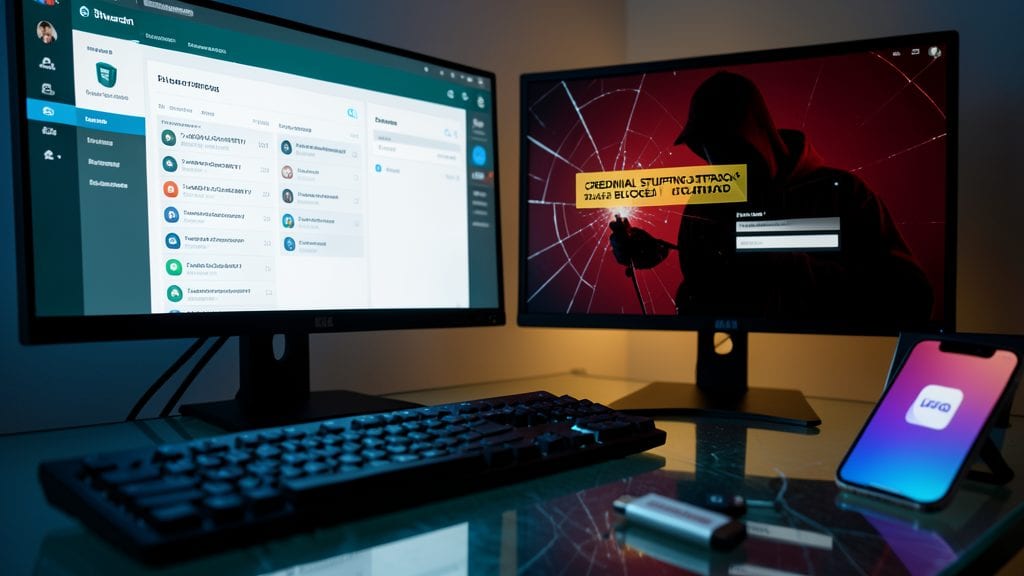
Credential stuffing attacks—where hackers reuse leaked passwords—are the #1 way small businesses get breached. A password manager like Bitwarden or LastPass stops this by generating and storing unique, 20+ character passwords for every account, so one breach doesn’t unlock your entire network.
These tools also sync across devices with end-to-end encryption, ensuring only you can access your vault. Bitwarden’s open-source model adds transparency, while LastPass offers emergency access for IT teams. Both block weak passwords at login and auto-fill securely—no more sticky notes or "Password123!" risks.
Perfect for small teams juggling cloud apps, email, and payment systems—where reused passwords create the biggest weak spots. 💻
Endpoint Detection and Response Solutions
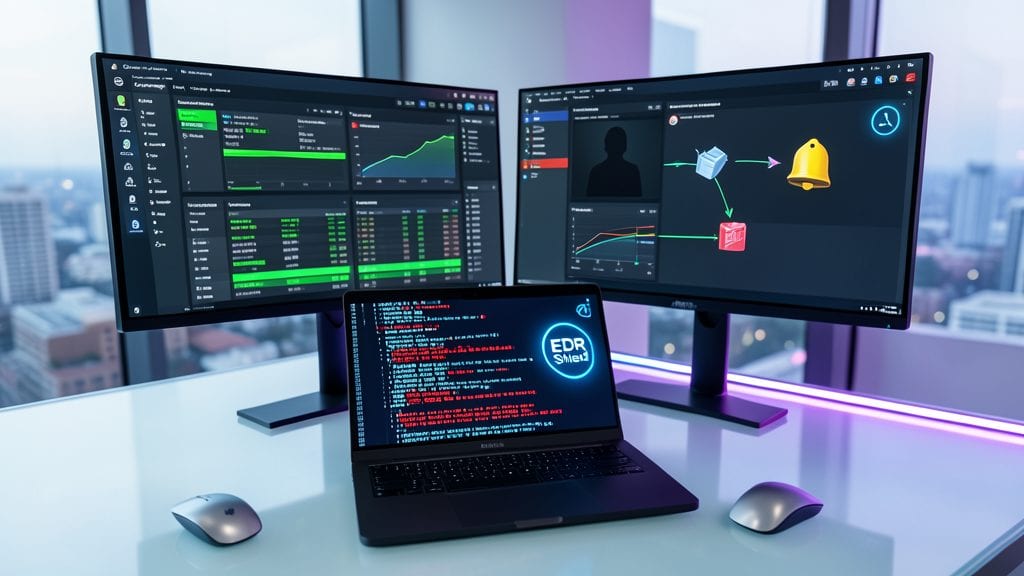
Traditional antivirus tools miss 80% of advanced threats—but Endpoint Detection and Response (EDR) solutions like CrowdStrike or SentinelOne close that gap by analyzing device behavior in real-time. These tools detect anomalies like unusual data transfers, unauthorized admin logins, or even ransomware encrypting files before damage spreads.
EDR works by combining AI-driven threat hunting with automated response actions (e.g., isolating infected devices). Solutions like Microsoft Defender for Endpoint integrate with existing tools, while Darktrace uses unsupervised AI to spot zero-day attacks. For businesses with BYOD policies, EDR ensures personal devices don’t become weak links in your security chain.
Perfect for small businesses with remote teams or IoT devices—where traditional antivirus falls short. 💻
Data Encryption for Sensitive Information
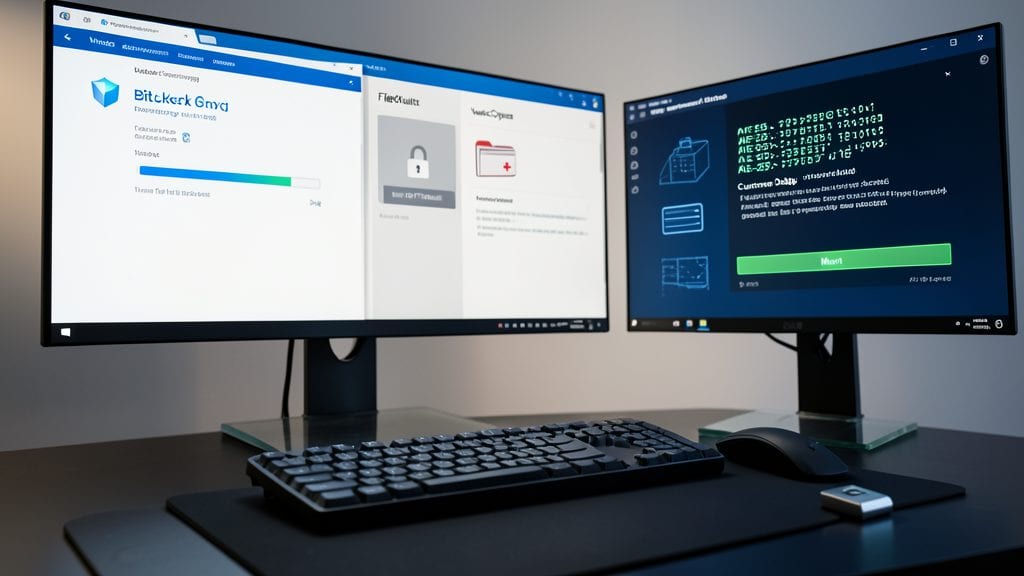
If your business handles customer data—whether it’s medical records, payment details, or proprietary designs—encryption isn’t optional. Tools like BitLocker (Windows) or FileVault (macOS) encrypt entire drives, while VeraCrypt offers open-source, cross-platform protection with AES-256 encryption for sensitive folders.
For compliance with GDPR, HIPAA, or PCI DSS, encryption ensures data remains unreadable even if stolen. Cloud services like AWS KMS or Google Cloud KMS provide zero-configuration encryption for databases and storage buckets, while TLS 1.3 secures data in transit across websites and APIs.
This is your first line of defense against ransomware, insider threats, or accidental leaks—especially for businesses storing data in the cloud or on laptops. 💻
Network Segmentation for Critical Systems

Think of your network like a castle—without walls between departments, a single breach in the outer gate lets attackers wander freely through the treasury. Network segmentation creates those digital walls, isolating critical systems like finance or HR from general traffic, so even if hackers slip past your first line of defense, they can’t just wander into your most sensitive areas.
Tools like VLANs (Virtual LANs) or software-defined networking (SDN) let you carve your network into isolated zones, with only essential communication allowed between them. For example, a finance VLAN might only connect to approved accounting software and your bank’s servers, while guest Wi-Fi stays completely separate. This limits an attacker’s ability to move laterally—cutting off their path to your crown jewels.
Perfect for small businesses handling sensitive data, segmentation is especially valuable for healthcare (HIPAA), legal (client confidentiality), or e-commerce (PCI DSS) operations. Start with a firewall appliance or cloud-based solutions like Palo Alto Networks or Cisco Umbrella for an easy entry point. 💪
Automated Backups with Offsite Storage

When a ransomware attack locks your files—or a hardware crash wipes months of work—your ability to recover instantly could mean the difference between a minor hiccup and a business-ending disaster. Automated backups with offsite storage solve this by creating real-time, encrypted snapshots of critical data without manual effort, ensuring you can restore systems in minutes, not days.
Solutions like Backblaze B2 or AWS Backup offer unlimited storage with 15-minute incremental backups, while tools like Veeam provide bare-metal recovery for entire servers. The key is immutable storage—backups that can’t be deleted or altered by attackers—paired with geographically redundant copies to survive regional outages. Most services start under $10/month for small businesses, making this one of the most cost-effective cybersecurity investments.
This is especially vital for businesses with no dedicated IT staff, where manual backups fail due to human error or neglect. Even a single employee managing a small office can set up automated, encrypted backups in under an hour—giving peace of mind without the complexity. 💻
Vendor Risk Assessments for Third Parties

Your business may have rock-solid security, but if a third-party vendor like a payment processor or cloud host has weak defenses, you’re still at risk. Supply chain attacks—where hackers exploit trusted partners—are on the rise, making vendor risk assessments a critical but often overlooked step for SMBs.
Start by auditing vendors using frameworks like NIST SP 800-160 or ISO 27001, which evaluate encryption standards, incident response plans, and compliance certifications. Tools like SecurityScorecard or BitSight automate this process, scoring vendors on real-time security posture. For example, a PCI DSS Level 1 payment processor should have strict access controls and regular penetration tests—ask for proof.
This is especially vital for businesses using SaaS tools, outsourced IT, or payment gateways. Prioritize vendors handling customer data or financial transactions first—their breach could become yours. 💻
Incident Response Plan Documentation

When a breach happens, every second counts—but most businesses stumble through the crisis without a clear plan. An Incident Response Plan (IRP) turns panic into action by mapping out who does what, when, and how to contain threats before they escalate. Think of it as your cybersecurity "fire drill": practiced steps to minimize damage and legal fallout.
Start with a step-by-step playbook that includes designated roles (e.g., IT lead, legal contact, PR spokesperson), escalation protocols, and communication templates for customers, regulators, and employees. Tools like Splunk’s IR workflows or IBM’s Resilient platform automate key steps, while frameworks like NIST SP 800-61 provide structured templates. Document your data recovery priorities (e.g., customer databases vs. internal emails) and third-party contacts (law enforcement, forensic experts) to avoid costly delays.
This isn’t just for enterprises—small businesses with customer data, payment systems, or sensitive client files need it most. A well-documented plan reduces downtime by 40% and legal exposure by proving you acted swiftly. Schedule a quarterly tabletop exercise to test your team’s readiness. 💪