Skip to content
Server Setup

Server Setup

  • All Articles
  • App
  • C++
  • Coding
  • More
    • Hardware
    • Keyboard
    • Microsoft Office
    • MYSQL
    • Operating System
    • Outlook
    • PowerPoint
    • Review
    • Software
    • Tip & Trick
    • Troubleshooting
    • Windows

PowerPoint

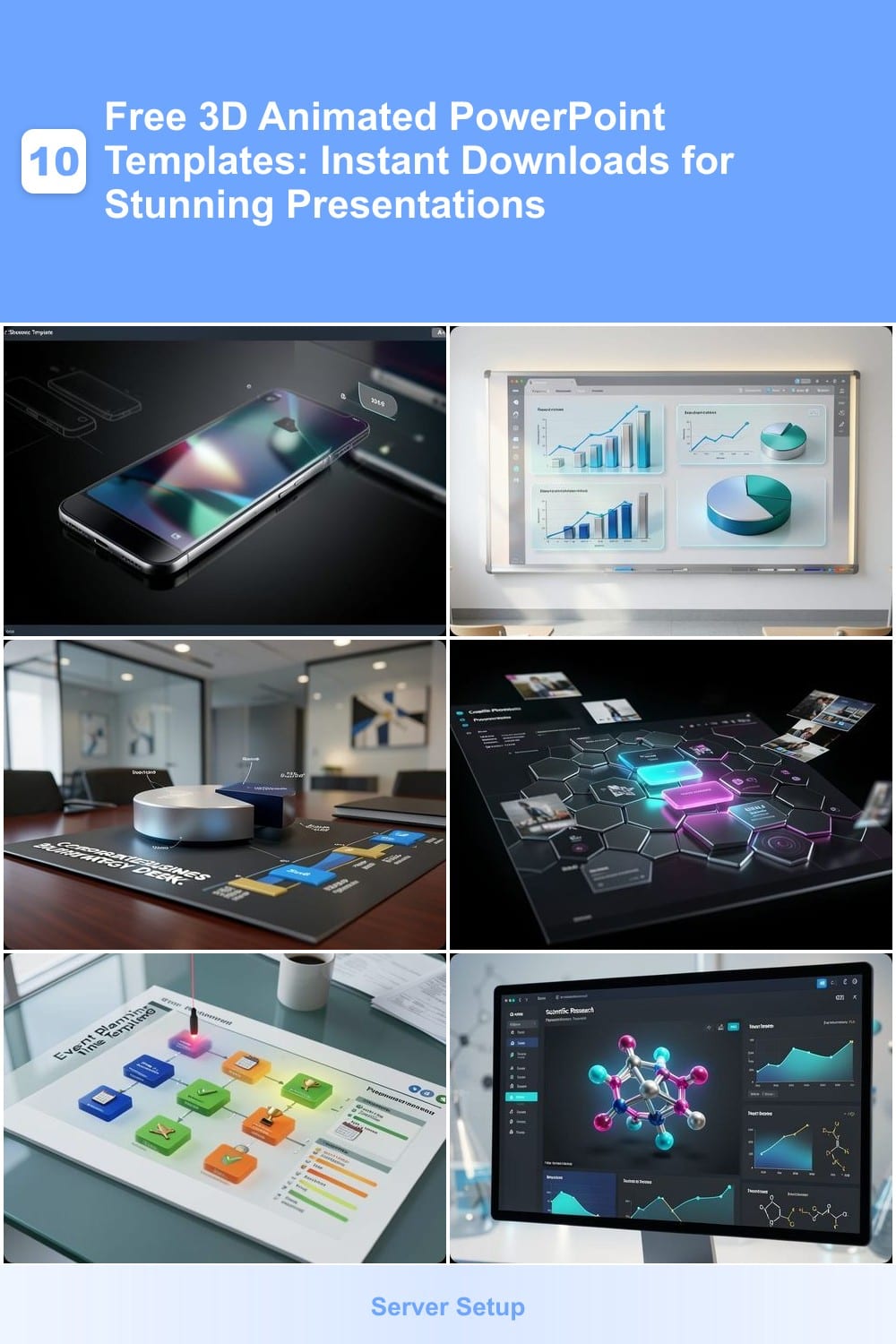
10 Free 3D Animated PowerPoint Templates: Instant Downloads for Stunning Presentations
November 6, 2026 by Vivian Tremblay
10 Free 3D Animated PowerPoint Templates: Instant Downloads for Stunning Presentations

Elevate your presentations instantly with these 10 free 3D animated PowerPoint templates. Perfect for business professionals, educators, and creatives, these downloadable designs add depth, motion, and visual appeal…


Read more

Categories PowerPoint

How to Connect Boxes in PowerPoint: Seamless Linking for Professional Flowcharts

October 8, 2026 by Vivian Tremblay
How to Connect Boxes in PowerPoint: Seamless Linking for Professional Flowcharts

Connecting boxes in PowerPoint doesn’t have to feel like herding cats—it’s the secret to crisp, professional flowcharts that actually make sense. ✨ I’ve spent hours fixing messy diagrams where lines overlap or shapes…

Read more

Categories PowerPoint

How to Download Powerpoint on Ipad: Step-by-Step Guide for Seamless Offline Use

October 7, 2026 by Vivian Tremblay
How to Download Powerpoint on Ipad: Step-by-Step Guide for Seamless Offline Use

Downloading PowerPoint to your iPad isn’t as straightforward as it should be—until now. ✨ I’ve helped dozens of clients get Microsoft’s presentation software running smoothly on their tablets, and the process has evolved…

Read more

Categories PowerPoint

PowerPoint Find and Replace: Faster Text Updates Without Manual Edits

October 8, 2026 by Vivian Tremblay
PowerPoint Find and Replace: Faster Text Updates Without Manual Edits

Finding and replacing text in PowerPoint doesn’t have to mean clicking through every slide. ⚡ I’ve spent hours manually editing presentations only to realize I missed a slide—until I discovered how to automate this with…

Read more

Categories PowerPoint

How to Insert a Table of Contents in PowerPoint: Click-and-Drag Navigation in Seconds

October 8, 2026 by Vivian Tremblay
How to Insert a Table of Contents in PowerPoint: Click-and-Drag Navigation in Seconds

Inserting a table of contents in PowerPoint saves hours of manual navigation—especially when you’ve got a presentation with 50+ slides. ⚡ I’ve built dozens of these for client decks, and the built-in tool cuts setup time…

Read more

Categories PowerPoint

How To Stack Images In Powerpoint

November 23, 2026 by Vivian Tremblay
How To Stack Images In Powerpoint

Creating visually appealing presentations often requires layering multiple images in PowerPoint. When you master image stacking , you can elevate your slides from basic to professional. You might be wondering how to…

Read more

Categories PowerPoint

Microsoft Office PowerPoint Viewer 2007: Free Standalone Tool for Legacy PPT Opens

October 8, 2026 by Vivian Tremblay
Microsoft Office PowerPoint Viewer 2007: Free Standalone Tool for Legacy PPT Opens

Microsoft Office PowerPoint Viewer 2007 lets you open legacy PowerPoint files without installing the full suite—ideal for older presentations on modern systems. Ever hit a wall trying to open a PowerPoint file from 2007…

Read more

Categories PowerPoint

Microsoft Office Ppt Template Free Download: Ready-to-Use Designs for Any Presentation

October 10, 2026 by Vivian Tremblay
Microsoft Office Ppt Template Free Download: Ready-to-Use Designs for Any Presentation

Struggling to create polished PowerPoint presentations quickly? These seven free Microsoft Office PPT templates are professionally designed, fully customizable, and ready to download—perfect for business, education, or…

Read more

Categories PowerPoint

10 Microsoft Office Projects for High School Students: Stand Out Presentations That Impress Teachers

October 13, 2026 by Vivian Tremblay
10 Microsoft Office Projects for High School Students: Stand Out Presentations That Impress Teachers

Standing out in high school requires more than just good grades—it’s about showcasing creativity and technical skills. These 10 Microsoft Office projects will help students build impressive portfolios while mastering…

Read more

Categories PowerPoint

10 Microsoft Office Tri Fold Brochure Templates: Professional Designs Ready for Instant Download

October 13, 2026 by Vivian Tremblay
10 Microsoft Office Tri Fold Brochure Templates: Professional Designs Ready for Instant Download

Creating a tri-fold brochure in Microsoft Office doesn’t require design expertise. These 10 professional templates let you customize layouts instantly—perfect for businesses, events, or personal projects—using PowerPoint…

Read more

Categories PowerPoint
Page1Page2Next →

About Me

Vivian Tremblay

Vivian Tremblay
My first computer was a clunky desktop my dad built from spare parts in the early 2000s, and I spent hours tinkering with it—mostly just crashing the system until he’d yell from the other room, 'Not again!' Those early mistakes taught me more than any manual ever could. Now, I run this site to help others avoid the same headaches, whether it’s troubleshooting a stubborn PC or mastering a new piece of software. Every tutorial here is built on the same principle: clear, practical advice that actually works.

Learn more

Recent Posts

  • Check Cipher Suites in Windows Server 2012 R2: Command-Line Method for SSL/TLS Security Audit
    Check Cipher Suites in Windows Server 2012 R2: Command-Line Method for SSL/TLS Security Audit
  • Microsoft Wireless Display Adapter App Download Without Store: Direct Offline Installer for Legacy Systems Without Store Access
    Microsoft Wireless Display Adapter App Download Without Store: Direct Offline Installer for Legacy Systems Without Store Access
  • Windows Server Backup Bare Metal Restore: Step-by-Step Recovery for Complete System Revival
    Windows Server Backup Bare Metal Restore: Step-by-Step Recovery for Complete System Revival
  • Windows Server 2019 Upgrade 1809 To 20H2: Zero-Downtime Migration Path Explained
    Windows Server 2019 Upgrade 1809 To 20H2: Zero-Downtime Migration Path Explained
  • Microsoft SQL Server Management Studio 11.0.5058.0: Legacy Fixes for Missing Features and Errors
    Microsoft SQL Server Management Studio 11.0.5058.0: Legacy Fixes for Missing Features and Errors
  • All Guides
  • About
  • Contact
  • Privacy Policy
  • Cookie Policy
  • Terms of Use
© 2026 serversetup.website