Skip to content
Server Setup

Server Setup

  • All Articles
  • App
  • C++
  • Coding
  • More
    • Hardware
    • Keyboard
    • Microsoft Office
    • MYSQL
    • Operating System
    • Outlook
    • PowerPoint
    • Review
    • Software
    • Tip & Trick
    • Troubleshooting
    • Windows

Troubleshooting

Onedrive Newer Version Installed: Legacy System Workaround Guide

November 6, 2026 by Vivian Tremblay
Onedrive Newer Version Installed: Legacy System Workaround Guide

A newer version of OneDrive is installed, and now my files won’t sync properly—✨ but don’t panic, there’s a fix that keeps your data safe. The key is knowing which settings to tweak first—most users waste hours guessing…
Read more

Categories Troubleshooting

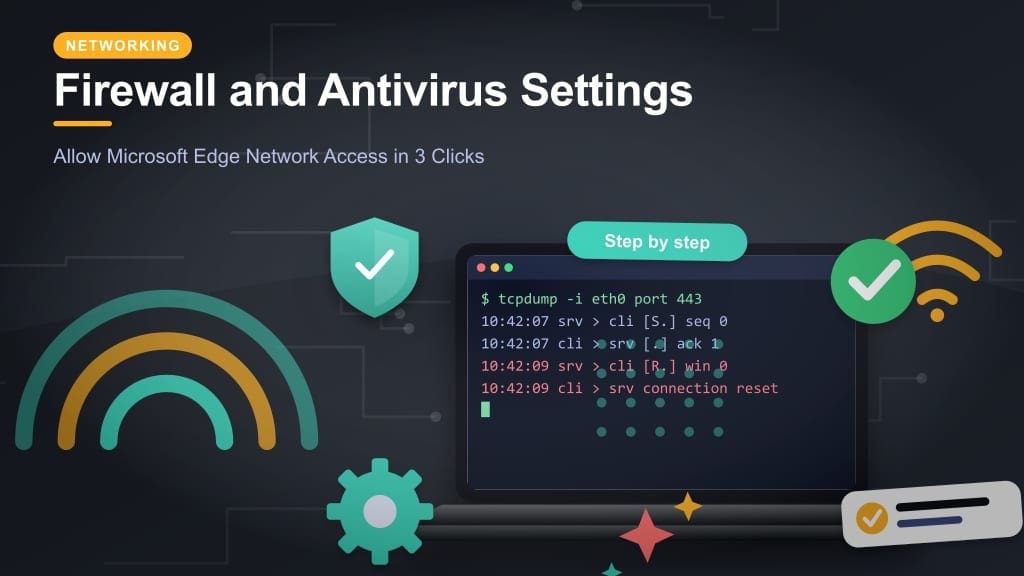
Firewall and Antivirus Settings: Allow Microsoft Edge Network Access in 3 Clicks

November 23, 2026 by Vivian Tremblay
Firewall and Antivirus Settings: Allow Microsoft Edge Network Access in 3 Clicks

Allowing Microsoft Edge to access your network through firewall or antivirus settings is one of those simple fixes that saves hours of frustration. 💡 I remember spending an entire afternoon troubleshooting a connection…

Read more

Categories Troubleshooting

Cannot Uninstall Microsoft Office 365: Forced Removal Workaround for Stubborn Conflicts

November 6, 2026 by Vivian Tremblay
Cannot Uninstall Microsoft Office 365: Forced Removal Workaround for Stubborn Conflicts

When Microsoft Office 365 refuses to uninstall, it’s not just a glitch—it’s a stubborn conflict that can freeze your system. ⚡ I’ve wrestled with this myself after a botched update left remnants clogging my registry, and…

Read more

Categories Troubleshooting

Can You Use Gmail for a Microsoft Account: Syncing Limits and Workarounds Explained

November 6, 2026 by Vivian Tremblay
Can You Use Gmail for a Microsoft Account: Syncing Limits and Workarounds Explained

💥 Quick Answer You can't directly use Gmail for a Microsoft account, but you can sync emails between Gmail and Outlook via third-party apps like Outlook for Windows/Mac or IMAP settings. Microsoft accounts require…

Read more

Categories Troubleshooting

Windows Server Certificate Error: Fix "Cannot Find Server Certificate With Thumbprint" Now

November 6, 2026 by Vivian Tremblay
Windows Server Certificate Error: Fix "Cannot Find Server Certificate With Thumbprint" Now

"Cannot find server certificate with thumbprint" is the error that turns a smooth-running server into a frustrating roadblock. ✨ I’ve spent hours debugging this exact issue—whether it’s RDP, Exchange, or a web server—and…

Read more

Categories Troubleshooting

Client Received Soap Fault From Server: XML Parsing Error Debug Guide

November 6, 2026 by Vivian Tremblay
Client Received Soap Fault From Server: XML Parsing Error Debug Guide

The client received a SOAP fault from the server—an XML parsing error that derailed an entire integration, and these faults are infamous for hiding behind vague fault codes. one of three things: malformed XML, schema…

Read more

Categories Troubleshooting

Credssp Remote Code Execution Vulnerability March 2018 Security Update: Patch Verification Steps for Windows Systems

November 21, 2026 by Vivian Tremblay
Credssp Remote Code Execution Vulnerability March 2018 Security Update: Patch Verification Steps for Windows Systems

Microsoft’s CredSSP remote code execution vulnerability from March 2018 security update (CVE-2018-0886) exposed Windows systems to attacks exploiting the Remote Desktop Protocol. Imagine an exploit that lets hackers…

Read more

Categories Troubleshooting

CVE-2022-43552 Windows: Zero-Day Exploit Workarounds for Unpatched Systems

October 11, 2026 by Vivian Tremblay
CVE-2022-43552 Windows: Zero-Day Exploit Workarounds for Unpatched Systems

Windows systems hit by CVE-2022-43552 face a critical zero-day flaw that attackers are already exploiting to take control of unpatched machines. Microsoft’s delayed patch leaves millions exposed to remote code…

Read more

Categories Troubleshooting

Do You Have To Have a Microsoft Account: What Happens If You Skip It

October 6, 2026 by Vivian Tremblay
Do You Have To Have a Microsoft Account: What Happens If You Skip It

Do you have to have a Microsoft account for basic Windows 10/11 functionality, but it’s the best way to unlock OneDrive, Xbox perks, and personalized settings. Without one, you’ll miss app store access and some security…

Read more

Categories Troubleshooting

Does Microsoft Have a Live Chat?: Official Channels and Response Times

October 7, 2026 by Vivian Tremblay
Does Microsoft Have a Live Chat?: Official Channels and Response Times

Does Microsoft have a live chat? Yes, it does—access it via the Microsoft Answer Desk (for paid plans), Microsoft Store Help, or authorized business support providers. Response times vary by service tier and issue…

Read more

Categories Troubleshooting
Page1Page2Page3…Page6Next →

About Me

Vivian Tremblay

Vivian Tremblay
My first computer was a clunky desktop my dad built from spare parts in the early 2000s, and I spent hours tinkering with it—mostly just crashing the system until he’d yell from the other room, 'Not again!' Those early mistakes taught me more than any manual ever could. Now, I run this site to help others avoid the same headaches, whether it’s troubleshooting a stubborn PC or mastering a new piece of software. Every tutorial here is built on the same principle: clear, practical advice that actually works.

Learn more

Recent Posts

  • Check Cipher Suites in Windows Server 2012 R2: Command-Line Method for SSL/TLS Security Audit
    Check Cipher Suites in Windows Server 2012 R2: Command-Line Method for SSL/TLS Security Audit
  • Microsoft Wireless Display Adapter App Download Without Store: Direct Offline Installer for Legacy Systems Without Store Access
    Microsoft Wireless Display Adapter App Download Without Store: Direct Offline Installer for Legacy Systems Without Store Access
  • Windows Server Backup Bare Metal Restore: Step-by-Step Recovery for Complete System Revival
    Windows Server Backup Bare Metal Restore: Step-by-Step Recovery for Complete System Revival
  • Windows Server 2019 Upgrade 1809 To 20H2: Zero-Downtime Migration Path Explained
    Windows Server 2019 Upgrade 1809 To 20H2: Zero-Downtime Migration Path Explained
  • Microsoft SQL Server Management Studio 11.0.5058.0: Legacy Fixes for Missing Features and Errors
    Microsoft SQL Server Management Studio 11.0.5058.0: Legacy Fixes for Missing Features and Errors
  • All Guides
  • About
  • Contact
  • Privacy Policy
  • Cookie Policy
  • Terms of Use
© 2026 serversetup.website