
Software
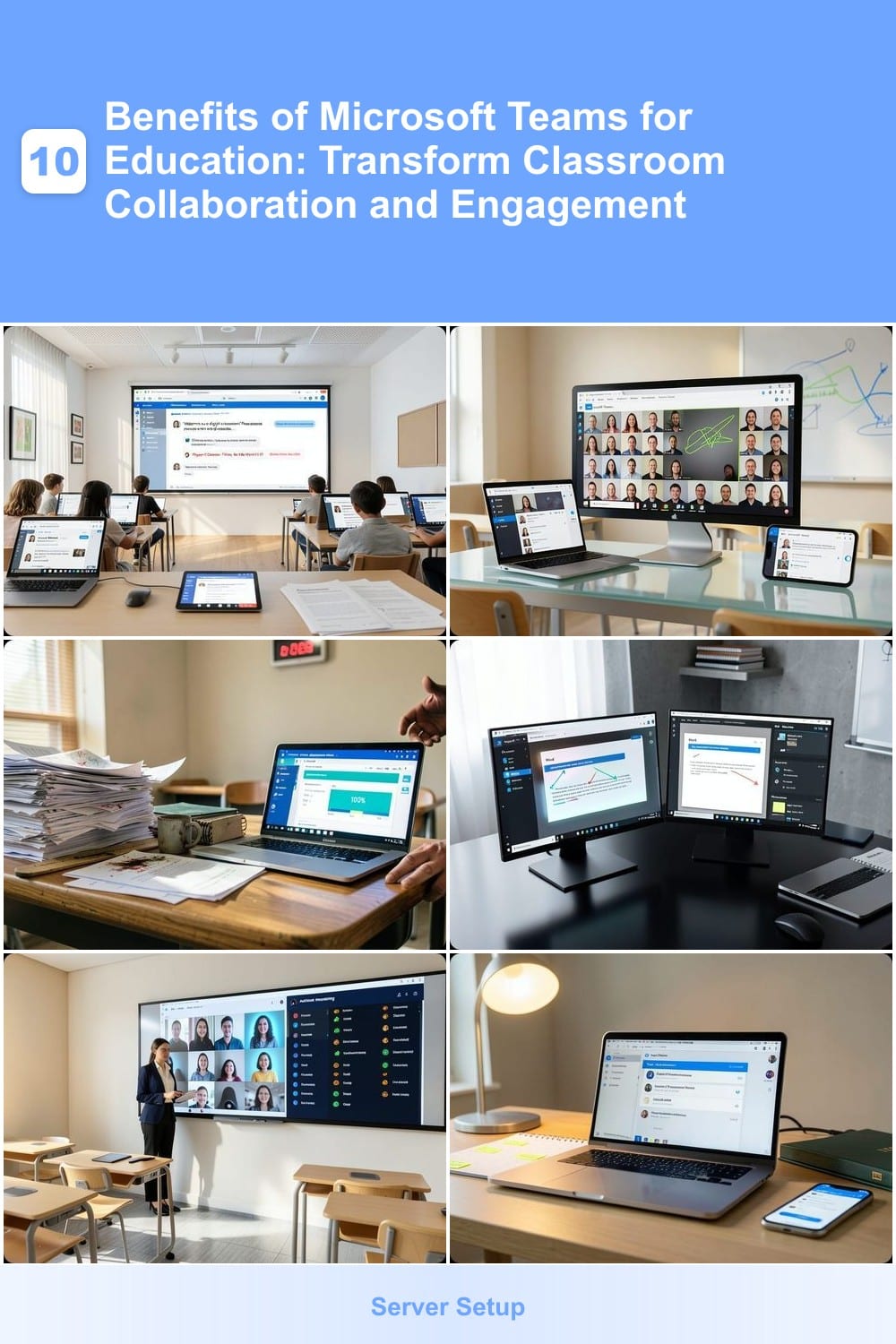
Microsoft Teams isn’t just for business—it’s revolutionizing education by breaking down collaboration barriers. These 10 benefits show how educators can use Teams to boost engagement, streamline communication, and create interactive learning experiences for students of all ages.
Seamless Classroom Communication Platform
Tired of chasing down parents through scattered emails and missed texts? Microsoft Teams transforms classroom communication with a single, organized hub where announcements, reminders, and private messages live—all in one place.
Teachers can post class-wide updates visible to everyone, while one-on-one chats keep sensitive discussions private. The @mention feature ensures no one misses critical messages, and reminder alerts sync across devices so deadlines never slip through the cracks. With file-sharing integration, teachers can attach worksheets or event flyers directly to messages—no more lost attachments or version confusion.
This is ideal for schools juggling hybrid learning or those looking to cut down on administrative chaos. Parents appreciate the transparency, while teachers save hours weekly managing communications. ⚡
Virtual Classroom with Live Lessons
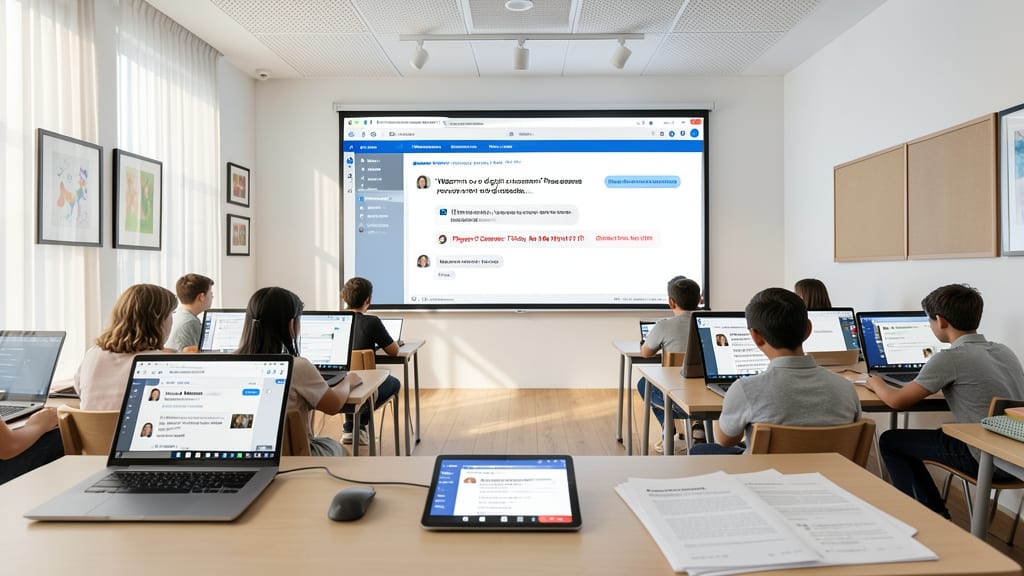
Forget clunky workarounds—Microsoft Teams turns any device into a fully equipped virtual classroom with just a few clicks. The platform’s built-in video conferencing supports up to 1,000 attendees (with 49 participants visible on screen), while screen sharing and real-time annotations on a digital whiteboard replicate the whiteboard experience of a physical classroom.
Teachers can record lessons automatically for absent students, use breakout rooms for small-group discussions, and even integrate PowerPoint presentations directly into live sessions. The zero-configuration setup means students and educators jump into classes without wrestling with complex tech—just like stepping into a familiar classroom, but digitally. 💻
Collaborative Assignment Tools
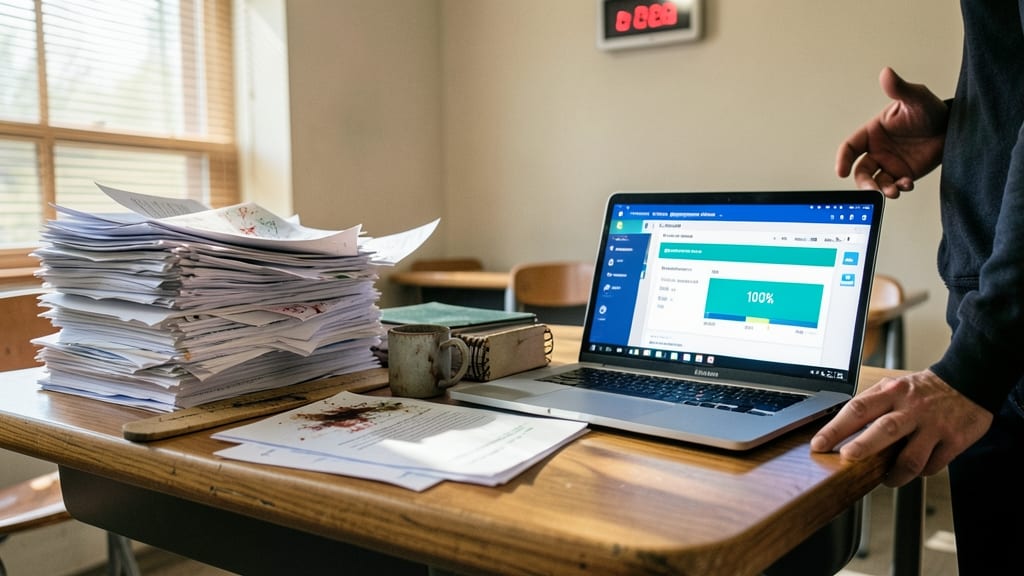
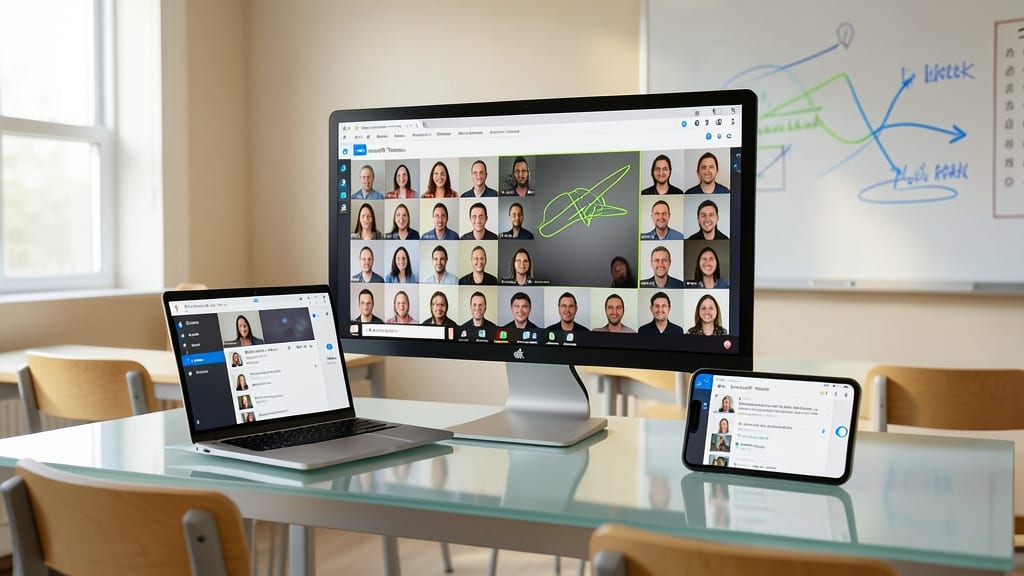
Tired of chasing down missing assignments or drowning in a pile of paper submissions? Microsoft Teams’ Assignment feature transforms how educators manage student work—turning chaos into clarity with a few clicks.
Teachers create assignments directly in Teams, complete with deadlines, rubrics, and file-type restrictions (Word, PDF, etc.). Students submit work through a dedicated hub, while educators use real-time feedback tools—like voice comments, text annotations, and even video replies—to accelerate grading. The progress dashboard lets both students and teachers track completion rates, reducing follow-ups by up to 40%.
This tool is a game-changer for high schools and colleges, where large class sizes and project-based learning demand efficiency. Plus, integration with OneDrive ensures all files stay organized and accessible—no more lost USB drives or misplaced folders. ✨
Integrated Office 365 Tools
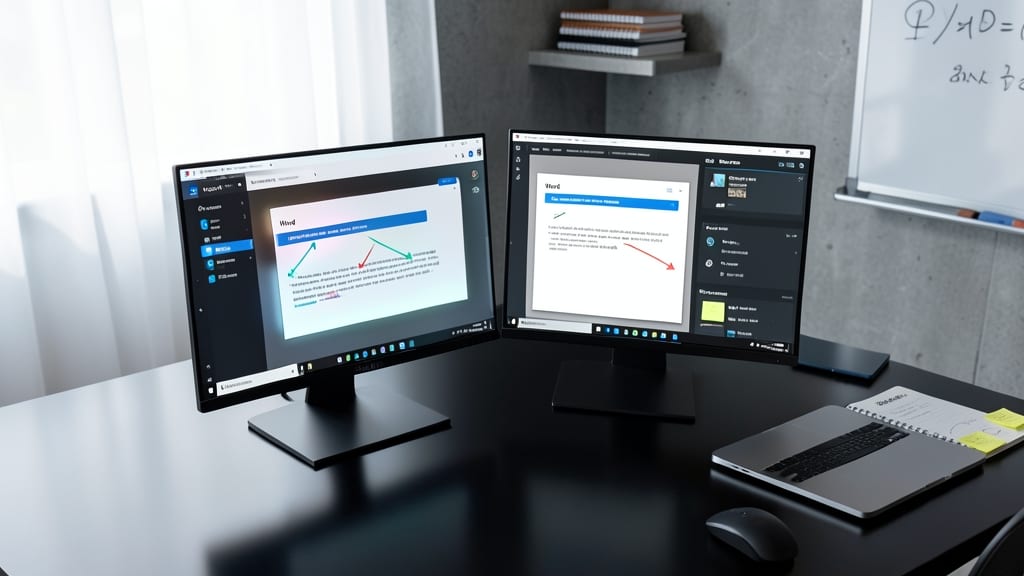
Tired of switching between apps to create, edit, and share documents? Microsoft Teams seamlessly embeds Word, Excel, PowerPoint, and OneNote—so students and teachers stay in one platform while working on projects together.
With real-time co-authoring, multiple users can edit a PowerPoint presentation or Excel spreadsheet simultaneously, seeing changes live. The integration also syncs with OneDrive, ensuring all files auto-save and are accessible across devices. No more lost drafts or version confusion!
This is a game-changer for group projects, where students can brainstorm in OneNote, draft reports in Word, and analyze data in Excel—all without leaving Teams. Perfect for classrooms blending tech with traditional learning tools. ✨
Classroom Management Features
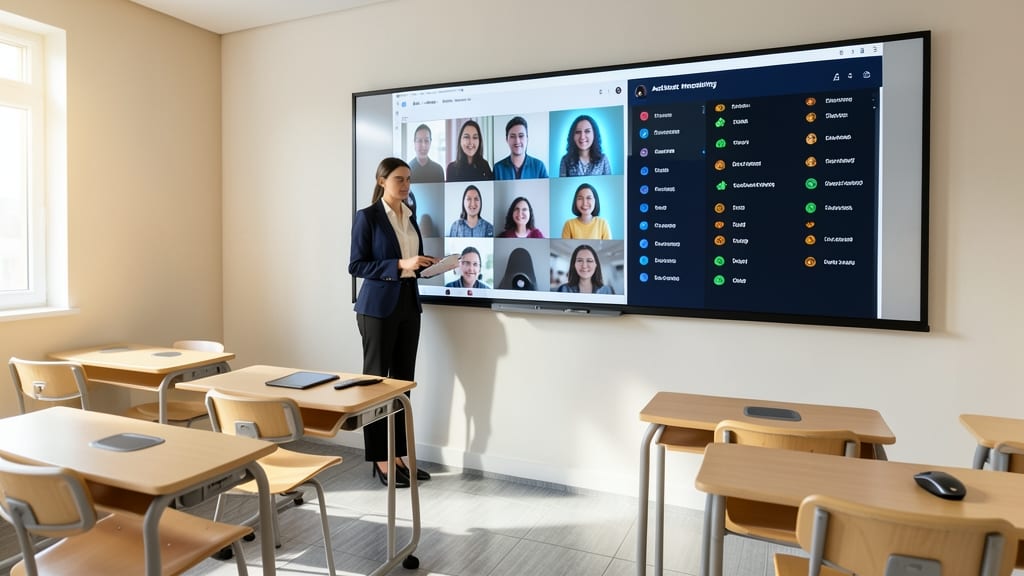
When classroom chaos derails lessons, Microsoft Teams’ built-in management tools give teachers instant control—without losing sight of student engagement. The participant pane lets educators spot-take, mute, or spotlight students with one click, while activity monitoring tracks who’s actively contributing (or silently lurking).
Advanced features like classroom modes (e.g., "Everyone muted upon entry") and attendance tracking integrate seamlessly with school systems, ensuring compliance while keeping disruptions minimal. Teachers can also assign roles (e.g., "presenter" or "attendee") to structure discussions, and the chat moderation tools filter out off-topic messages—all while maintaining FERPA-compliant privacy for student data. ⚡
Parent-Teacher Communication Bridge

Tired of parents drowning in school emails or scrambling to find important updates? Microsoft Teams’ dedicated parent channels create a structured, organized space where educators can share everything from field trip reminders to quarterly progress reports—all in one place.
With customizable channels per class or grade, teachers can post updates that parents receive via app notifications or email digests. The platform also supports file sharing (like permission slips or event flyers) and two-way messaging, so parents can ask questions without clogging teachers’ personal inboxes. Plus, read receipts confirm when messages are seen, ensuring critical info isn’t missed.
This feature is a game-changer for busy parents and time-strapped teachers, cutting down on phone tag and misplaced emails. It’s the digital equivalent of a well-organized parent-teacher conference—without the scheduling hassle. ✨
Interactive Polls and Quizzes
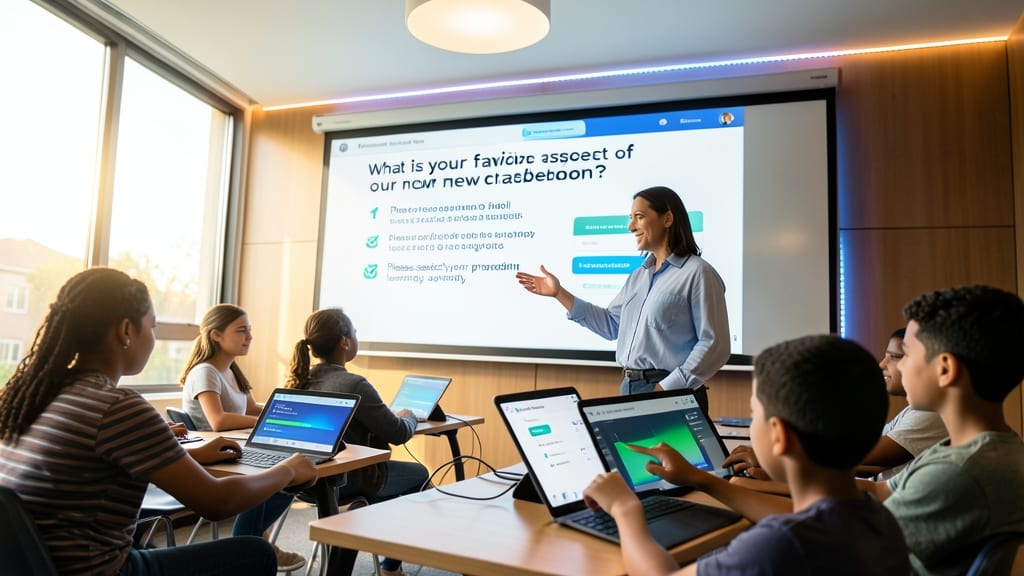
Turn passive listening into active participation with Teams’ built-in Forms and Polls, designed to transform lectures into dynamic discussions. Whether you’re checking prior knowledge with a quick multiple-choice poll or assessing comprehension with a custom quiz, these tools provide real-time insights—no paper, no grading piles, just instant results.
Create live polls with just one click during a lesson, or assign graded quizzes that auto-save responses to your OneDrive for later review. The Forms integration supports up to 10 question types, from short answers to scales, while anonymous responses encourage honest feedback. Teachers can even export results to Excel for deeper analysis or share them instantly with students to reinforce learning.
Perfect for K-12 classrooms needing quick checks for understanding or higher-ed professors facilitating large-group discussions, these tools turn every lesson into an opportunity for collaborative learning. ✨
Cloud-Based File Storage
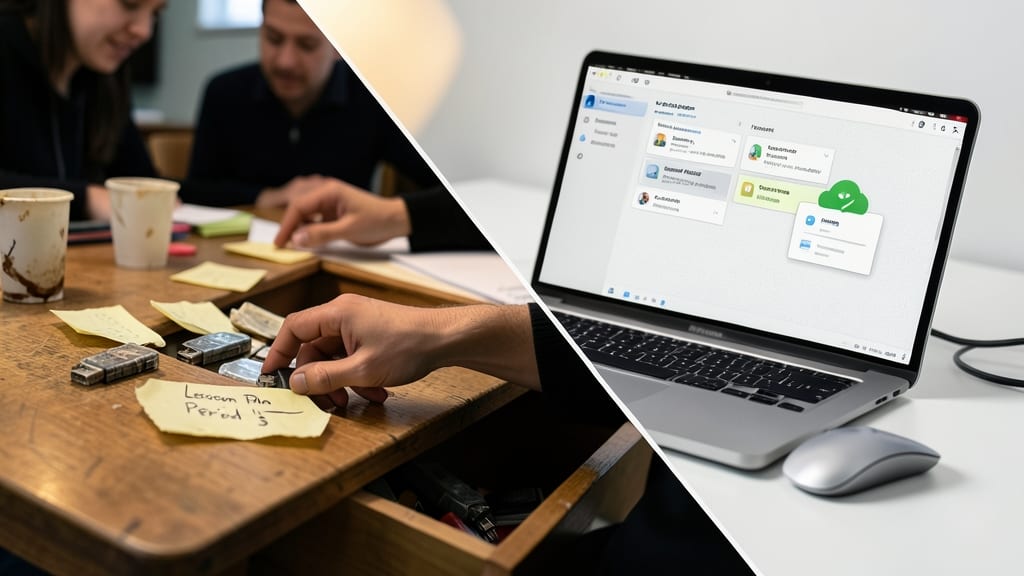
Say goodbye to frantic searches for lost USB drives or frantic last-minute lesson plan scrambles. With OneDrive integration in Microsoft Teams, every file—from lesson plans to student assignments—lives securely in the cloud, accessible from any device with an internet connection.
Teachers gain real-time collaboration on documents, while students can submit work directly to shared folders with version history tracking changes. The 1TB of free storage per user (for schools) ensures even large media files like videos or audio recordings stay organized. Offline access lets you work without connectivity, syncing automatically when back online.
This is a game-changer for districts transitioning from paper-based systems or unreliable local storage. Educators in K-12 and higher ed will love the peace of mind that comes with zero risk of lost files or corrupted drives. ✨
Breakout Rooms for Group Work
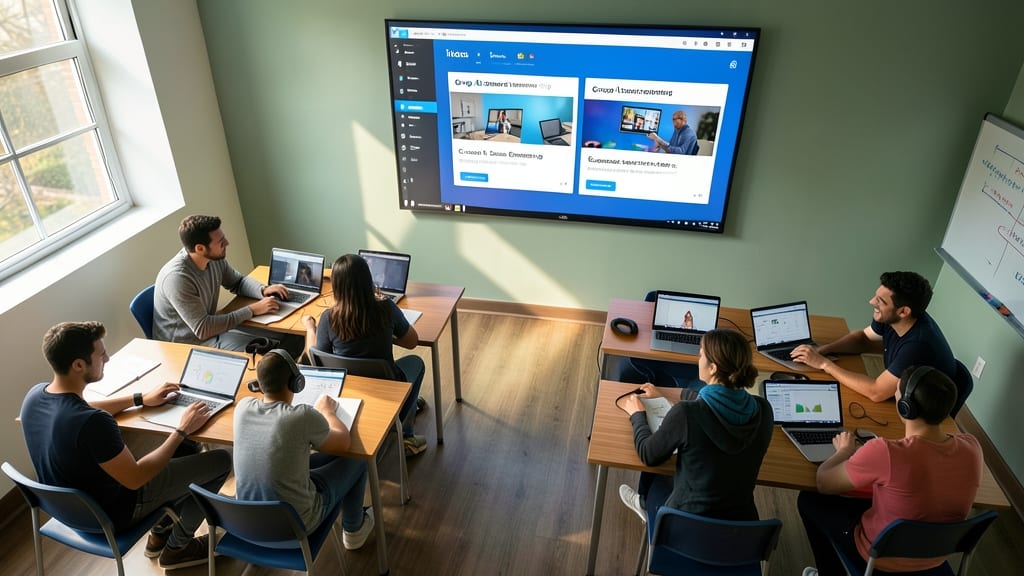
Turn chaotic group projects into structured, engaging learning experiences with Microsoft Teams’ breakout rooms—a game-changer for language labs, science collaborations, or debate clubs. These virtual spaces let teachers split students into smaller groups instantly, fostering deeper discussions and hands-on learning without the logistical headaches of in-person setups.
With customizable room sizes (up to 50 participants per breakout) and automatic rejoining at the teacher’s command, you can seamlessly transition between whole-class instruction and focused group work. Add a shared whiteboard or assign specific tasks via Teams’ built-in apps, then monitor progress with real-time chat or screen-sharing check-ins. The zero-configuration setup means students jump into breakouts without technical barriers, keeping the focus where it belongs: on learning.
Perfect for AP research groups, ESL conversation partners, or STEM experiment teams, breakout rooms turn passive listeners into active contributors. Teachers love the ability to rotate groups dynamically or assign random pairings to spark organic collaboration—all while maintaining oversight. 💻
Accessibility for All Learners
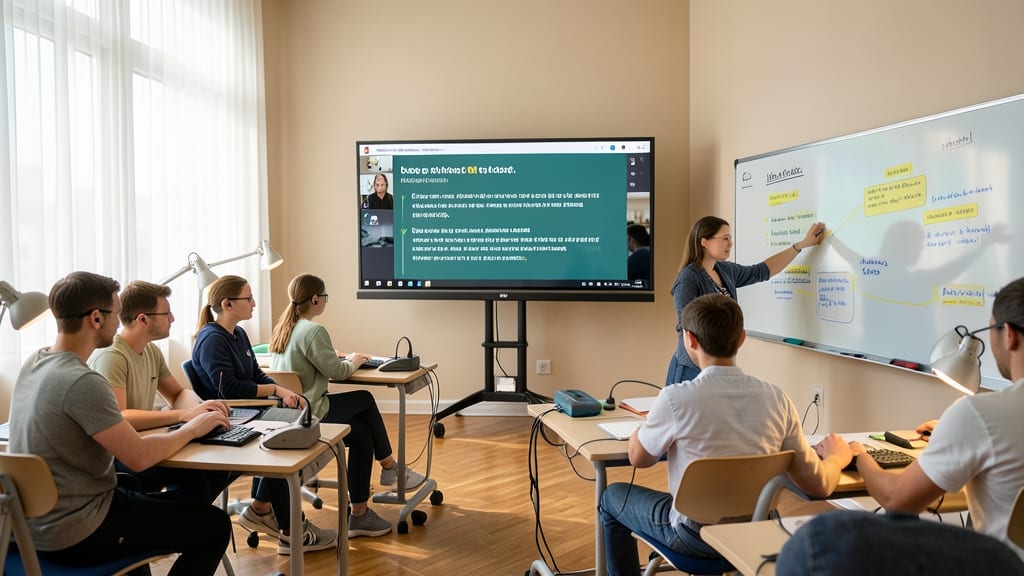
No student should miss out on learning—yet many face barriers like hearing loss, visual impairments, or motor challenges. Microsoft Teams removes those obstacles with built-in accessibility tools designed specifically for inclusive classrooms, ensuring every learner can engage fully.
With live captions in over 40 languages, students who are deaf or hard of hearing can follow lessons in real time. The Windows Narrator and JAWS integration provides screen-reading support, while customizable text sizes and high-contrast themes help visually impaired students read comfortably. Teachers can also adjust meeting settings to prioritize keyboard navigation for students with limited mobility.
This isn’t just compliance—it’s a game-changer for equity. Schools using Teams report up to 30% higher participation rates from students with disabilities when these tools are enabled. Perfect for districts prioritizing WCAG 2.1 AA compliance and educators committed to leaving no learner behind. ✨