
Software
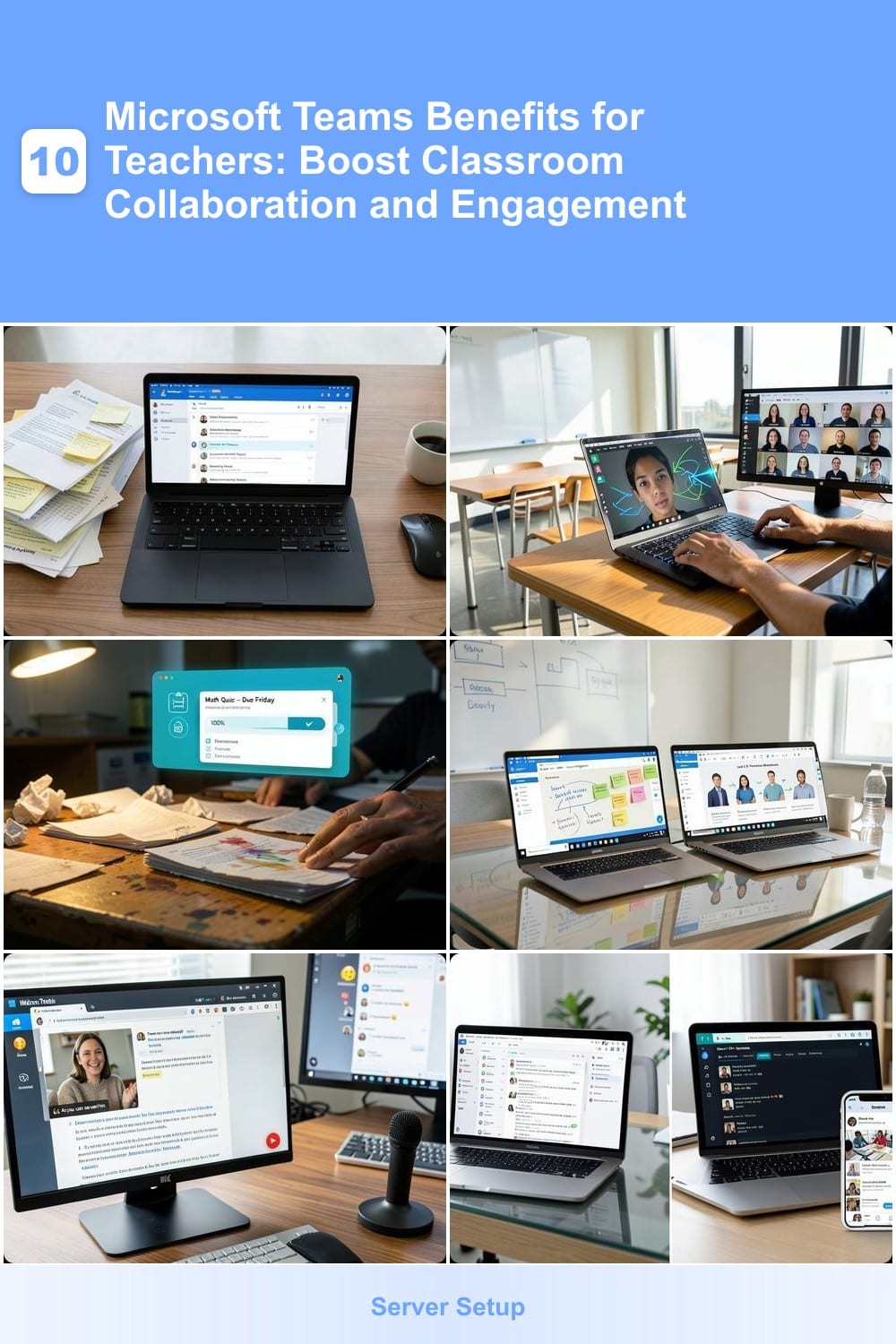
Microsoft Teams isn’t just for corporate meetings—it’s a game-changer for educators. Discover how this powerful tool transforms teaching, simplifies communication, and enhances student engagement in ways traditional methods can’t match.
Real-Time Classroom Communication Without Email Chaos
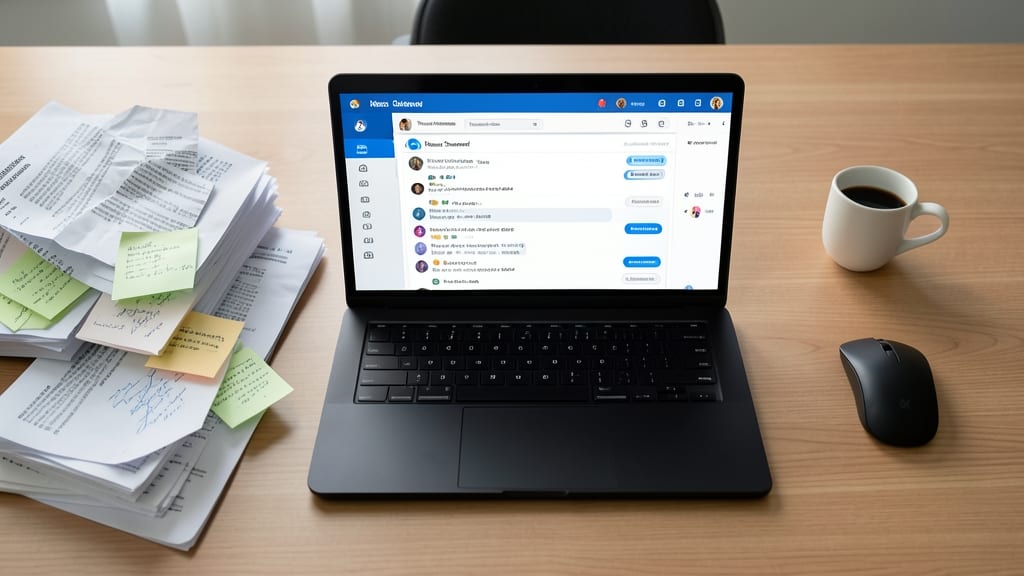
Tired of chasing down students via email only to find your messages lost in their overflowing inboxes? Microsoft Teams’ dedicated class channels solve this by replacing scattered emails with a single, searchable hub where every question, announcement, and reply stays organized in threaded conversations.
With read receipts and @mentions, you’ll never wonder if a student saw your message—just check the blue double-tick icons. The platform also supports voice and video notes, so you can leave personalized feedback without typing walls of text. Plus, file attachments stay neatly linked to conversations, eliminating the chaos of separate email threads or shared drives.
This feature is a game-changer for teachers juggling multiple classes—especially those who teach hybrid or remote students. It’s the digital equivalent of a well-organized bulletin board where nothing gets buried. ⚡
Seamless Virtual Classrooms for Hybrid Learning
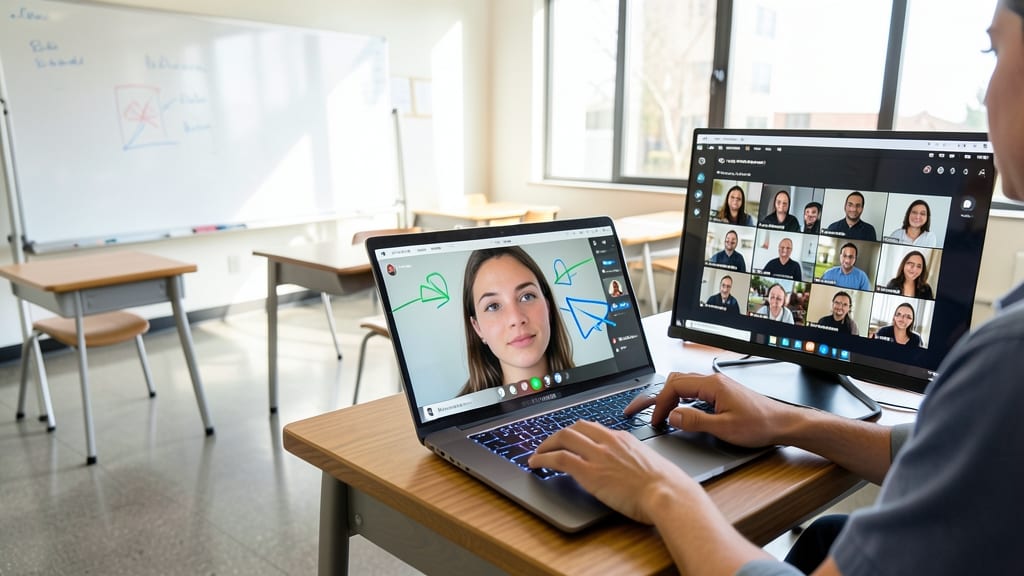
Tired of students glitching out of Zoom calls mid-lesson? Microsoft Teams’ built-in virtual classroom handles hybrid teaching like a pro—no extra logins or fatigue-inducing toggling between apps.
With 4K video support, screen sharing with annotations, and breakout rooms (up to 50 participants), you can split classes for group work while keeping the main session running smoothly. The whiteboard tool lets you sketch ideas live, and background blur keeps classrooms distraction-free. Plus, recording lessons is just one click—no need for third-party tools.
Perfect for teachers juggling in-person and remote students, this feature turns every session into an interactive experience—without the tech headaches. ✨
One-Stop Assignment Hub with Automatic Grading Tools
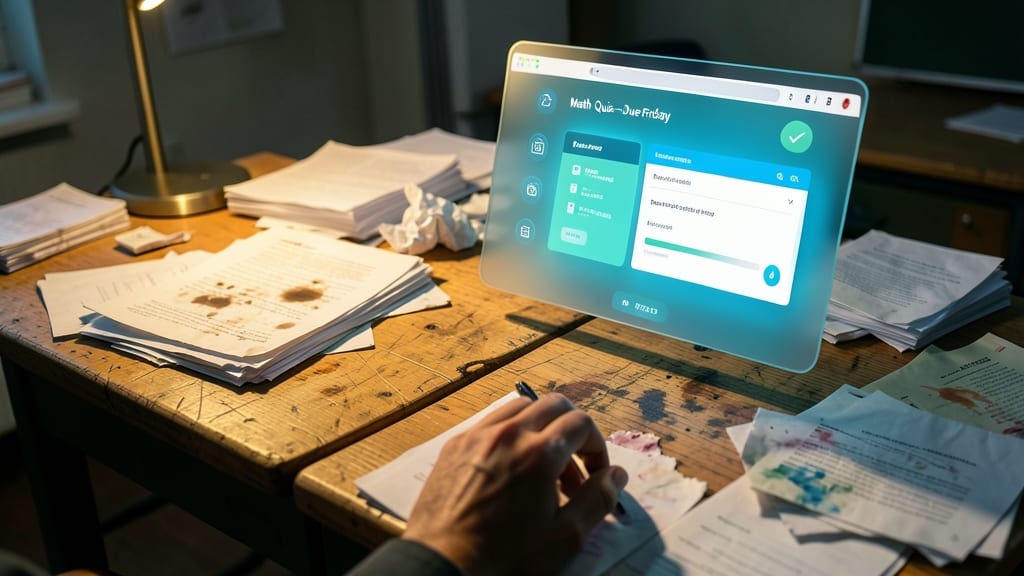
Tired of drowning in stacks of papers and endless grading sessions? Microsoft Teams’ Assignment Hub turns your classroom workflow digital—no more lost homework or illegible handwriting.
Create assignments, quizzes, and rubrics directly in Teams, then sync them with Microsoft Forms for instant grading. The Gradebook auto-updates scores, tracks progress, and even sends reminders to students—all while keeping everything organized in one place. Plus, peer-review features let students collaborate without extra email chains.
This is your secret weapon for busy educators juggling multiple classes. Say goodbye to weekend grading marathons and hello to more time for lesson planning. ✨
Collaborative Lesson Planning with Colleagues

Tired of lesson planning in isolation? Microsoft Teams turns your department into a virtual staff room, where teachers can brainstorm, refine, and align lesson plans together in real time—no more sending email drafts back and forth.
Create dedicated team channels for grade levels or subjects, then use shared OneNote notebooks to co-edit lesson outlines, embed videos, and annotate resources. The @mention feature tags colleagues for instant feedback, while file storage keeps all versions organized. Even better, integration with Microsoft Forms lets you test lesson activities as quizzes before class.
Perfect for subject teams or grade-level collaborations, this feature saves hours of solo prep while ensuring consistency across classrooms. 💡
Student-Centric Feedback with Voice and Video Notes
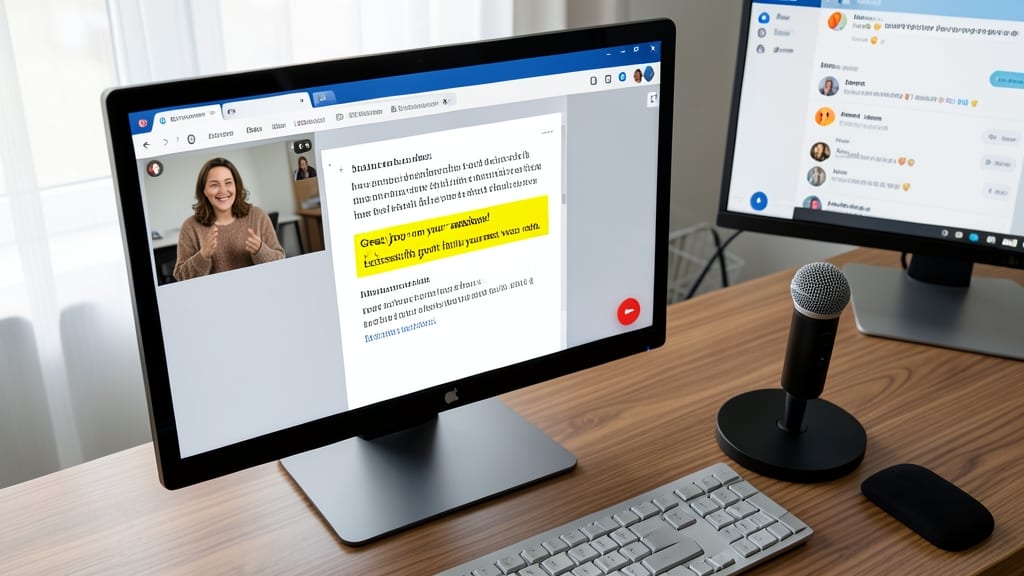
Tired of typing the same feedback over and over? Microsoft Teams lets you record voice or video notes directly in student assignments, turning generic comments into personalized, engaging responses in seconds.
With one-click recording, you can explain concepts visually or verbally—perfect for ESL learners, students with dyslexia, or anyone who benefits from hearing feedback. The auto-captions feature even makes videos accessible for hard-of-hearing students, while the @mention system ensures no student misses their feedback. Best of all, it syncs seamlessly with your grading workflow.
This feature is a game-changer for teachers who want to save time while making students feel valued. Perfect for busy educators who juggle multiple classes or need to provide nuanced feedback without the hassle of typing. ✨
Instant Parent-Teacher Communication Channels
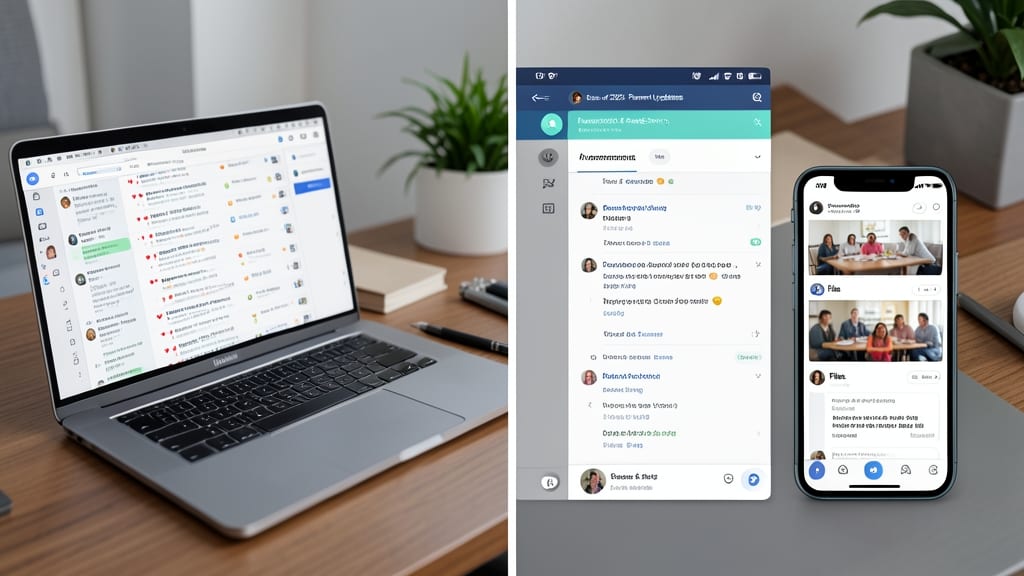
Tired of parent emails getting lost in your inbox? Microsoft Teams lets you create private parent groups—secure, organized spaces where you can share updates, photos, and announcements without the clutter of email threads.
Set up a dedicated channel for each class or grade level, then use file sharing to post newsletters, event reminders, or even student work samples. The @mention feature ensures parents see important messages, while the photo gallery lets you showcase classroom activities—all while keeping conversations professional and searchable.
Perfect for teachers who want clear communication without the chaos. Parents appreciate the transparency, and you’ll save hours sorting through email spam. ✨
Interactive Class Polls and Quizzes Mid-Lesson
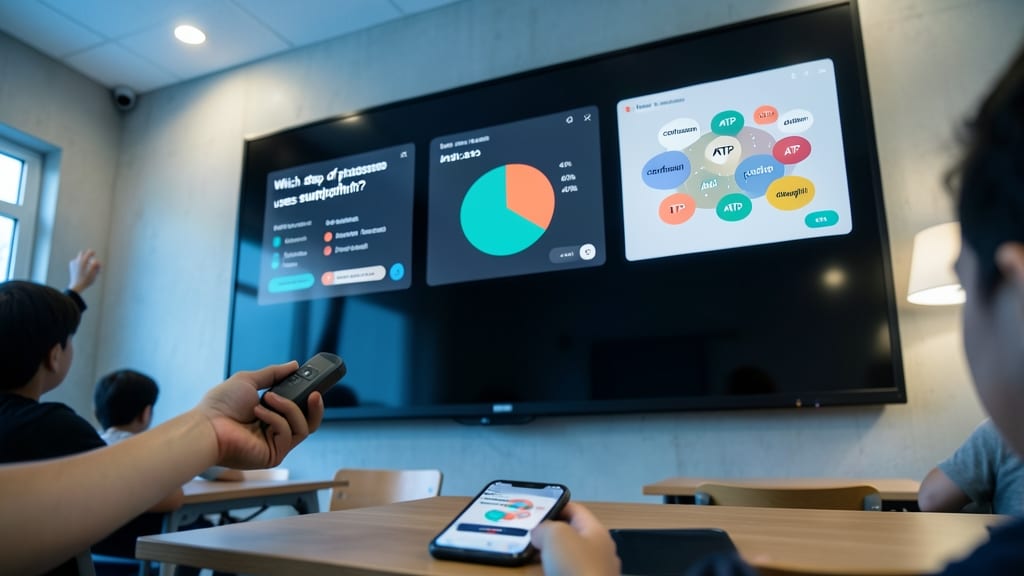
Tired of lectures where students zone out after five minutes? Microsoft Teams’ live polls and quizzes inject instant energy into lessons—no apps or extensions needed. With real-time feedback, you can gauge understanding mid-lecture, spot confusion immediately, and adjust pacing without losing momentum.
Create multiple-choice polls in seconds or dive deeper with custom quizzes using Microsoft Forms integration. The reaction buttons (thumbs up/down, clapping) let students respond anonymously, while live results appear instantly on your screen. For hybrid classes, remote students participate equally—no raised hands or awkward interruptions.
Perfect for middle/high school teachers teaching complex topics (like math or science) or college professors running discussions. Even shy students engage when answers stay anonymous. Try it once, and you’ll wonder how you ever taught without it. ✨
Secure File Sharing for Sensitive Student Data
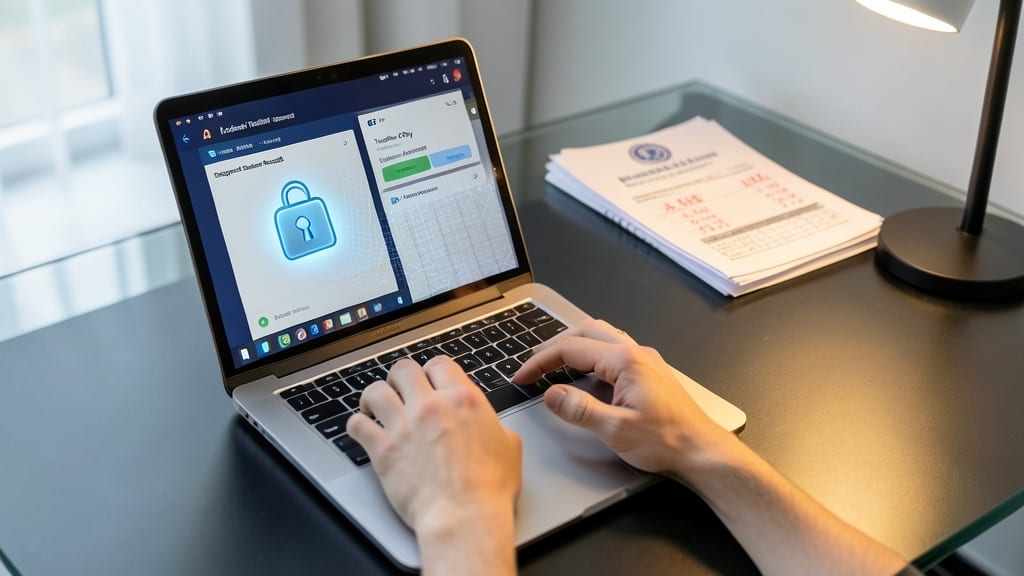
Say goodbye to the anxiety of sending sensitive student records via email—Teams’ encrypted file storage and secure sharing links make compliance effortless. With end-to-end encryption and role-based permissions, you can confidently share IEPs, grades, and attendance records without worrying about breaches or accidental leaks.
Each file gets a unique access link that expires after use, and you control who can view, edit, or download. The Microsoft Purview compliance center even tracks file activity, so you’ll always know who accessed what—and when. For schools handling FERPA-sensitive data, this is a game-changer.
Special education teachers, administrators, and counselors will love how this replaces insecure file transfers with a zero-trust security model. No more lost USB drives or misplaced emails—just peace of mind. ✨
Automated Reminders for Deadlines and Events
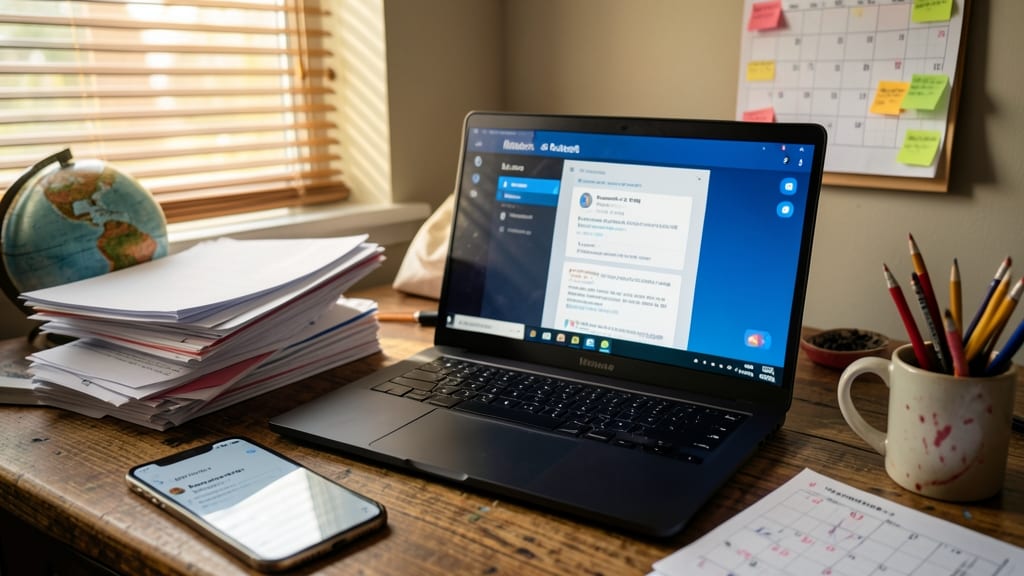
Between grading papers, planning lessons, and attending meetings, teachers juggle more deadlines than a circus performer. Microsoft Teams’ automated reminders act like a personal assistant, ensuring no assignment, parent conference, or professional development session falls through the cracks.
Set up customizable alerts for due dates, meetings, and even recurring events like progress reports. The system syncs seamlessly with your Outlook calendar, so you never have to manually input deadlines. You can even add reminders directly to classroom channels—like a virtual sticky note that pops up for the whole team.
This feature is a lifesaver for educators balancing teaching, admin tasks, and personal time. Whether it’s a last-minute parent meeting or an upcoming workshop, Teams keeps you organized—so you can focus on what matters most: your students. ✨
Integration with Microsoft 365 Tools Teachers Already Use
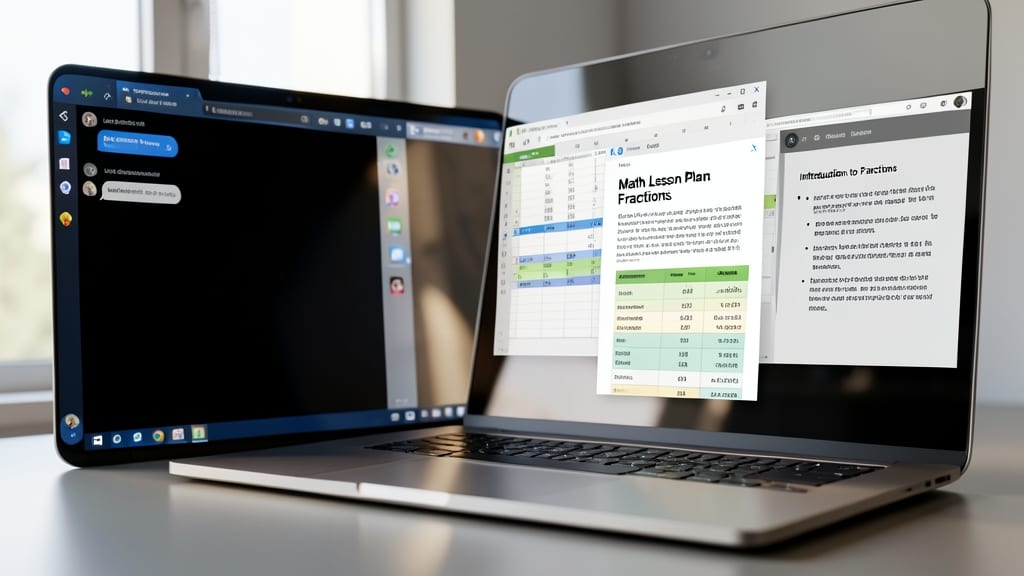
If you’re already using Microsoft Word, Excel, or PowerPoint, Microsoft Teams turns those tools into a unified teaching powerhouse—no app-switching required. The seamless integration means your lesson plans, spreadsheets, and presentations live in one place, accessible from anywhere.
Open a Word document directly in Teams for collaborative lesson edits, embed Excel gradebooks into assignments, or present PowerPoint slides during live classes—all without leaving the platform. The OneNote integration lets you organize notes, handouts, and student feedback in a single, searchable workspace, while co-authoring in real-time cuts down on version confusion.
This is the perfect solution for educators who rely on Microsoft 365 daily—whether you’re grading spreadsheets, designing presentations, or drafting lesson plans. It’s the missing link that turns your familiar tools into a streamlined teaching ecosystem. ✨