
Software
Small business owners need efficient tools to manage finances, track inventory, and organize projects—but not everyone has the budget for premium software. These 10 free Excel templates solve common pain points while saving time and money, all without requiring advanced spreadsheet skills.
Small Business Budget Tracker Template
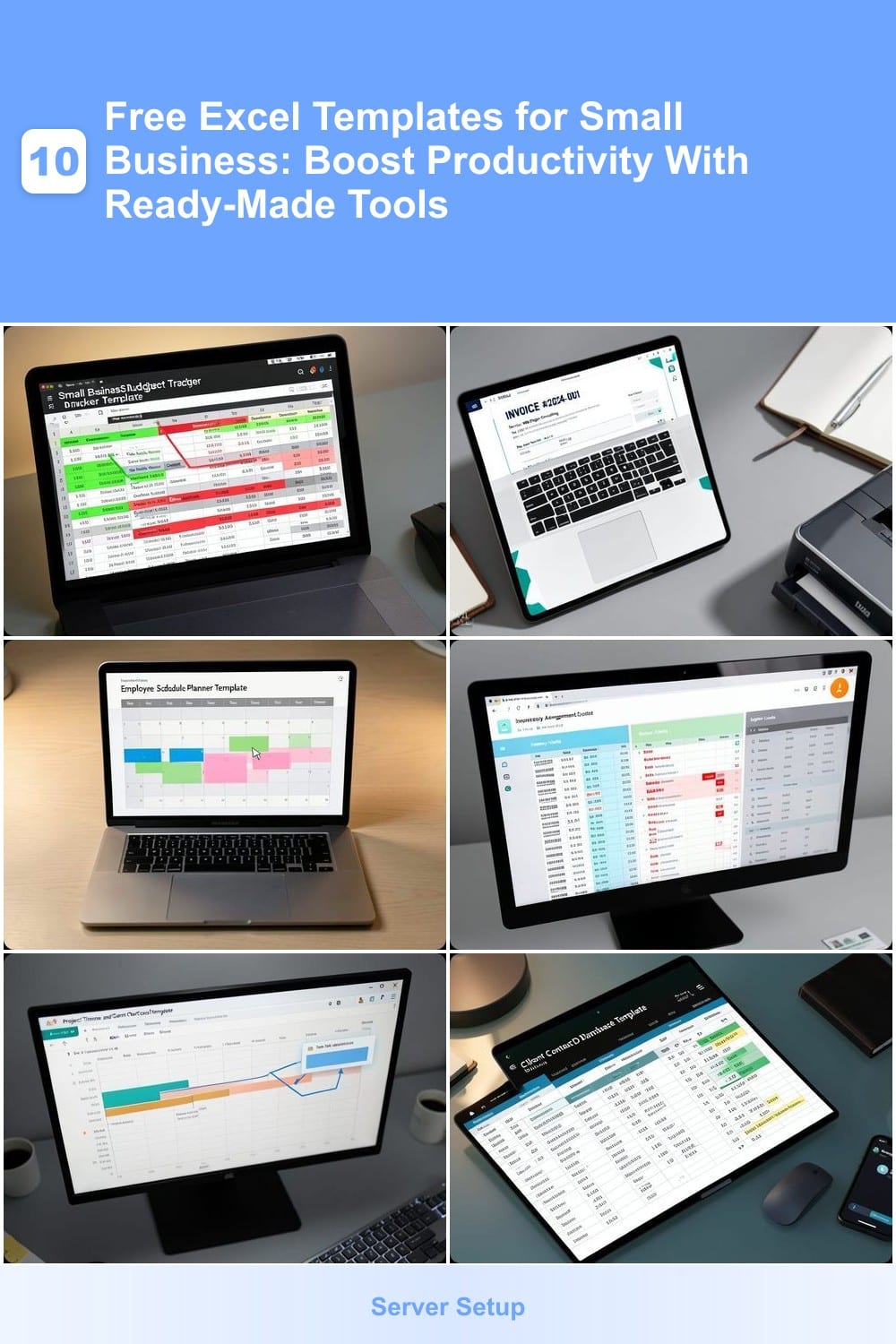
If you’re juggling startup costs, freelance income, or side hustle expenses without a clear financial picture, this Small Business Budget Tracker Template brings clarity to chaos. Designed for real-time tracking, it eliminates the guesswork of manual spreadsheets while keeping your cash flow visible at a glance.
The template includes color-coded categories (green for income, red for expenses) and automated monthly summaries that update as you input data. Built-in formulas handle calculations, so you avoid errors, and a pie chart visualization reveals spending patterns instantly. Compatible with Excel 2016 and later, it works seamlessly on both desktop and online versions.
Perfect for solopreneurs and small teams, this tool turns financial stress into actionable insights—ideal for freelancers tracking project-based earnings or startups monitoring burn rate. No accounting degree required! ✨
Invoice Generator for Service Providers
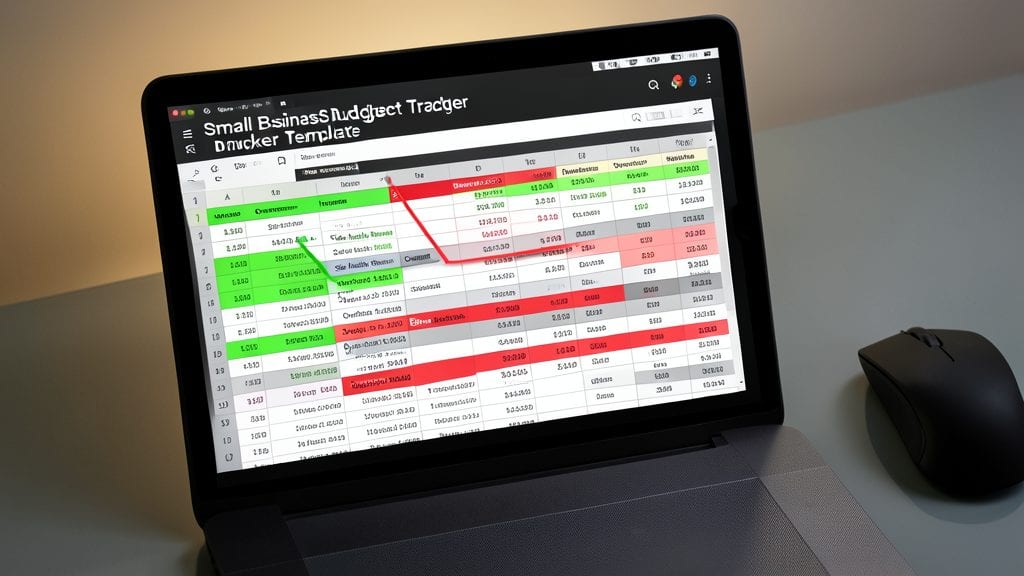
Tired of sending unprofessional invoices that make you look like a hobbyist? This Invoice Generator for Service Providers template turns your services into polished, payment-ready documents in minutes—no design skills required.
With automated tax calculations, customizable payment terms (Net 15, Net 30, or due-on-receipt), and branding fields for your logo and colors, you’ll look like a pro. The template even includes late fee reminders and a built-in itemized breakdown for clarity. Simply fill in your service details, client info, and payment preferences—then hit print or email.
Perfect for freelancers, consultants, and small agencies who need to send invoices fast without sacrificing professionalism. Your clients will appreciate the clarity, and your accounting will stay organized. ✨
Employee Schedule Planner Template
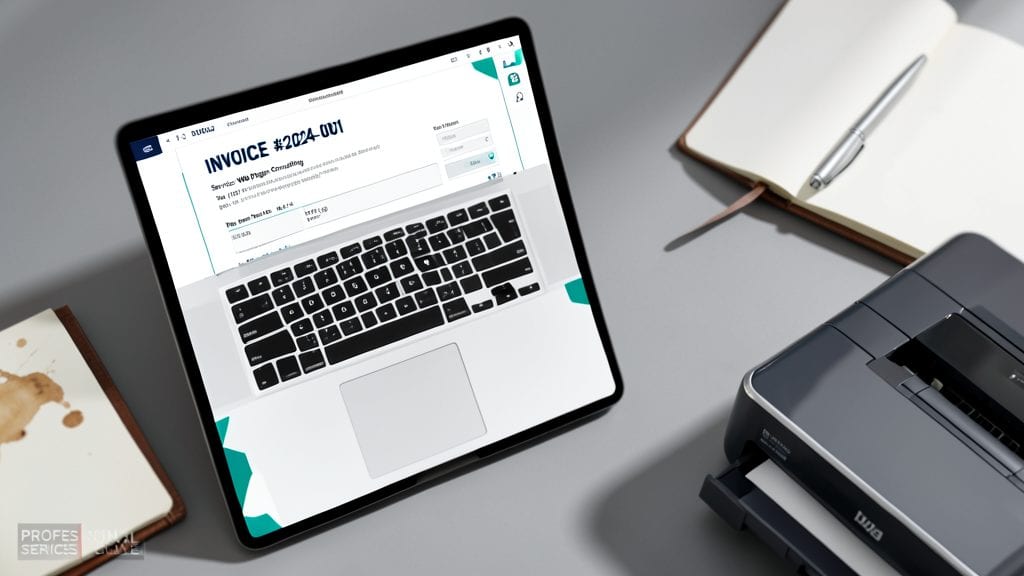
Managing employee shifts in retail or restaurants just got easier with a drag-and-drop Employee Schedule Planner Template designed to cut scheduling time in half. This template eliminates the headaches of manual adjustments by letting you rearrange shifts visually—no more back-and-forth emails or whiteboard erasures. Built-in overtime tracking ensures compliance while keeping labor costs under control.
The template includes color-coded shift types (morning, evening, weekends) and team availability flags to prevent scheduling conflicts. You can even set up recurring shifts for regular employees, so weekly rotations become a one-click process. Compatible with Excel 2016 and later, it syncs seamlessly across devices for managers on the go.
Perfect for small businesses with rotating staff, this template turns a time-consuming task into a 5-minute weekly update. Whether you’re staffing a café or a boutique, it keeps your team aligned without the complexity of paid software. ⚡
Inventory Management Spreadsheet
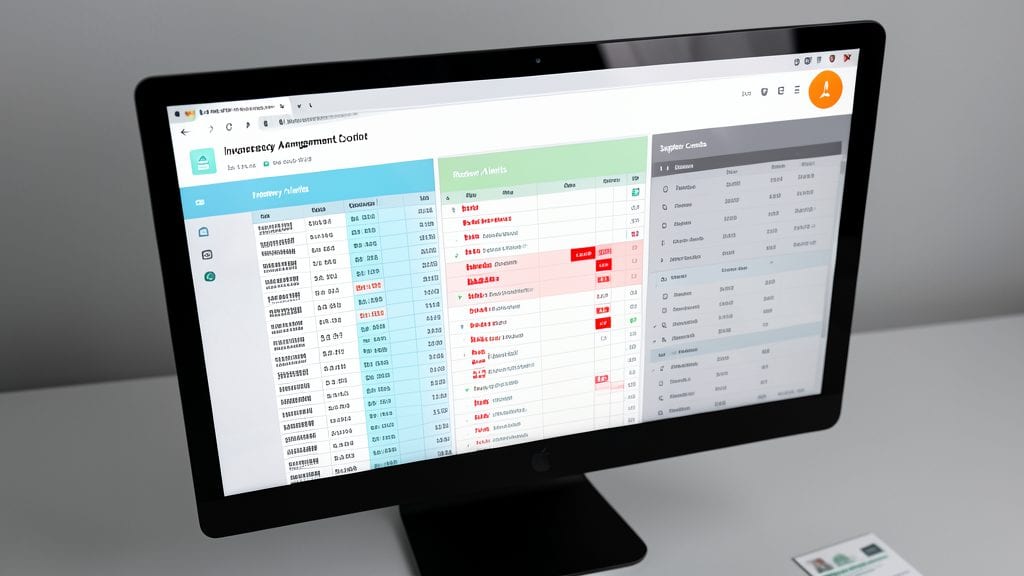
Running out of stock mid-sale—or drowning in unsold inventory—can kill your bottom line. This inventory management spreadsheet keeps your stock levels, reorder points, and supplier contacts organized in one place, with automated low-stock alerts to save you from last-minute scrambles.
Designed for both e-commerce sellers and brick-and-mortar stores, it includes customizable fields for product names, SKUs, quantities, and supplier details. The conditional formatting highlights items below your reorder threshold, while a built-in supplier contact list ensures you never miss a deadline. Compatible with Excel Online and desktop, it syncs seamlessly across devices.
Perfect for small retailers, online store owners, or anyone juggling multiple product lines. Never overstock or understock again—just set your thresholds and let the spreadsheet do the work. 💪
Project Timeline and Gantt Chart
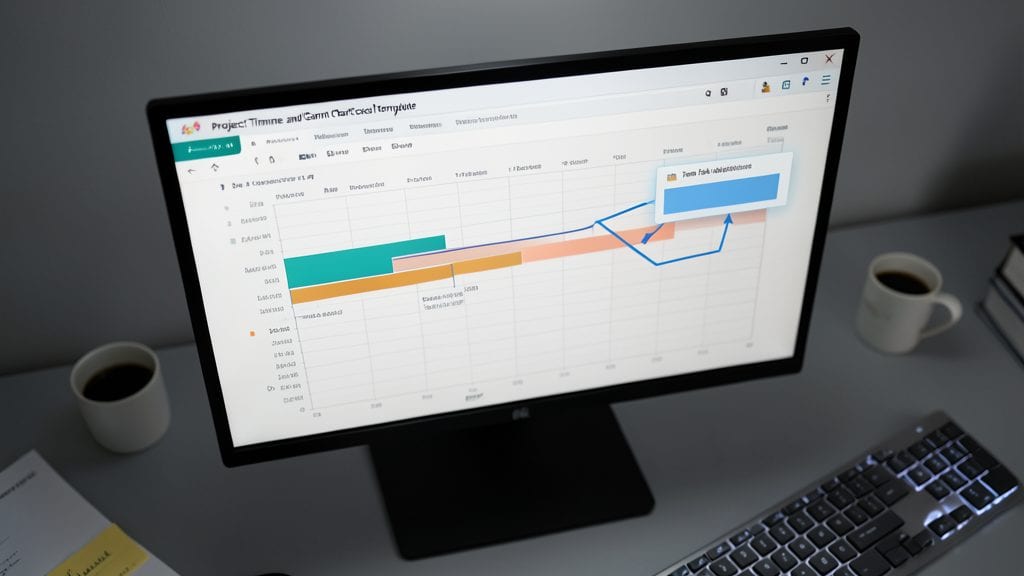
Juggling multiple projects at once? A Project Timeline and Gantt Chart template turns chaos into clarity by mapping out tasks, deadlines, and dependencies in a visual format—no complex software needed.
This template includes color-coded progress bars to track completion, drag-and-drop task adjustments, and automated milestone markers to keep projects on track. You can easily customize it for client work, product launches, or internal team projects, all within Excel’s familiar interface.
Perfect for solopreneurs, freelancers, or small teams managing tight deadlines without the overhead of tools like Asana or Trello. Just download, input your tasks, and watch your project come together step by step. ✨
Client Contact Database Template
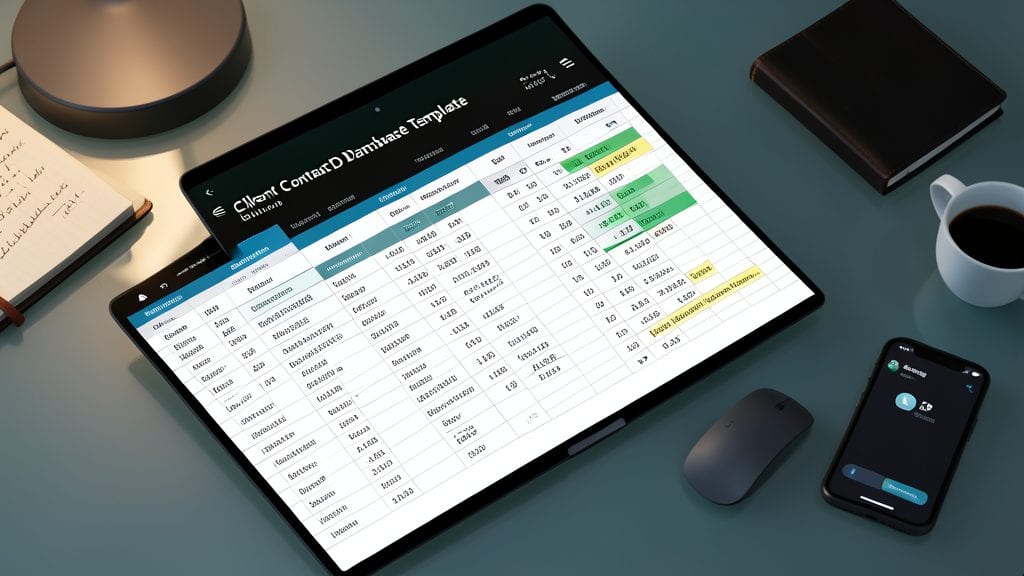
Tired of losing track of client details between calls, emails, and follow-ups? This Client Contact Database Template consolidates everything—names, emails, phone numbers, purchase history, and follow-up notes—into one searchable spreadsheet, so you never miss a beat.
The template includes customizable filters to sort by industry, last contact date, or purchase value, plus a dedicated notes section for tracking conversations, preferences, and next steps. Built-in automatic reminders for follow-ups ensure no opportunity slips through the cracks, while the color-coded status tags (e.g., "New Lead," "Active Client") make prioritizing easy.
Perfect for sales teams, consultants, and service-based businesses, this template turns chaotic client management into a streamlined process—no CRM software required. 💻
Break-Even Analysis Calculator
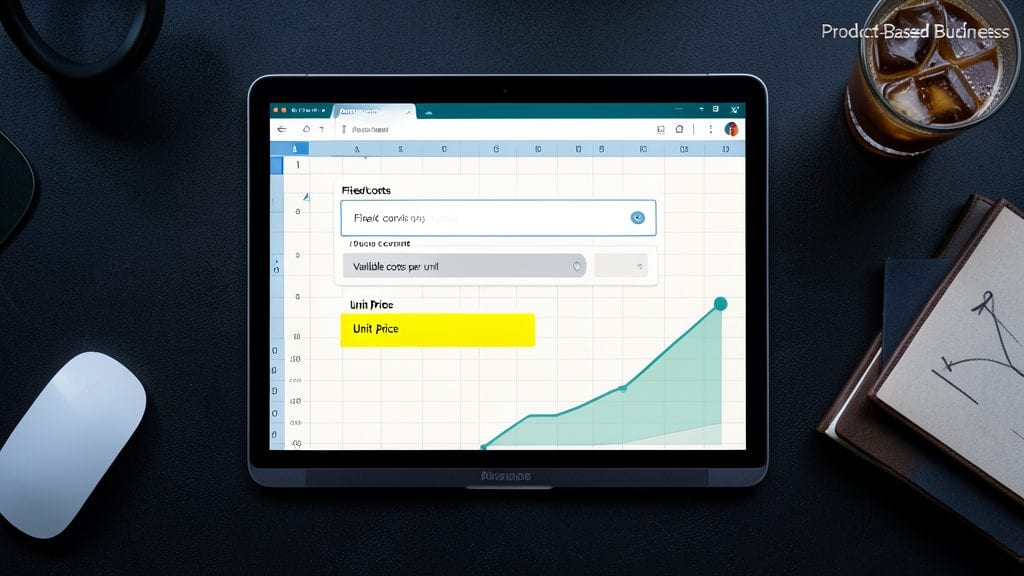
If you’ve ever wondered whether raising prices will actually improve profits—or how many units you need to sell to break even—this Break-Even Analysis Calculator is your financial crystal ball. Unlike generic spreadsheets, it’s designed specifically for product-based businesses, letting you tweak variables like fixed costs (rent, salaries), variable costs (materials, shipping), and selling price to see real-time results.
The template includes a visual break-even graph that highlights the exact sales volume needed to cover costs, plus profit/loss projections for different scenarios. You can even factor in one-time expenses (like equipment purchases) or seasonal fluctuations—no coding or advanced Excel skills required. Simply input your numbers, and it calculates your contribution margin and profit thresholds instantly.
This is the go-to tool for e-commerce sellers, manufacturers, and small-scale producers who need to validate pricing decisions before investing in inventory or marketing campaigns. Whether you're launching a new product or adjusting your pricing strategy, this calculator helps you make data-driven choices without guesswork. ✨
Expense Reimbursement Tracker
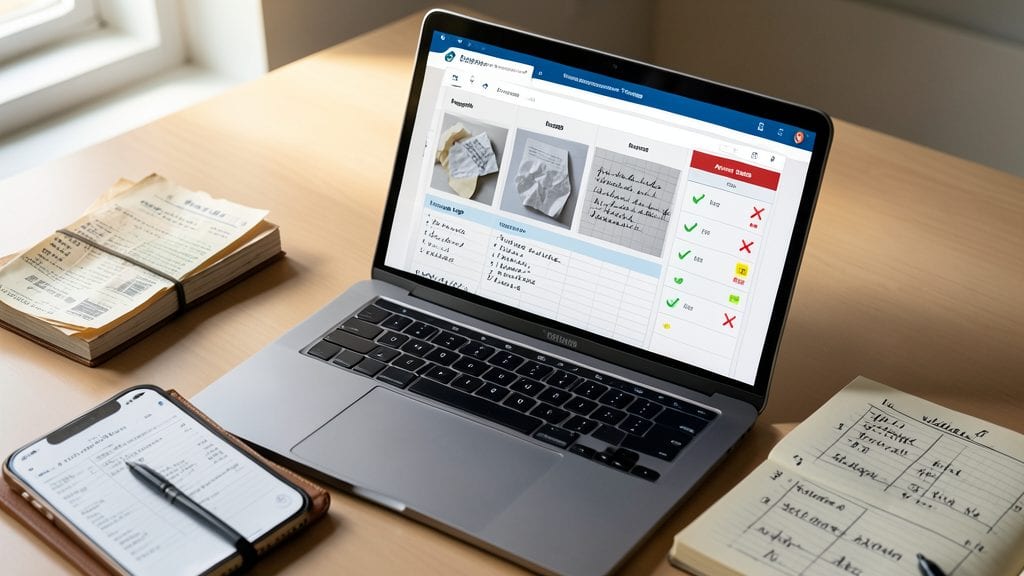
Say goodbye to lost receipts and reimbursement headaches with this Expense Reimbursement Tracker—designed specifically for businesses with remote teams or employees on the go. This template consolidates receipts, mileage logs, and approval statuses into one easy-to-manage spreadsheet, ensuring nothing slips through the cracks.
Key features include customizable expense categories (travel, meals, supplies), mileage calculators with IRS-compliant rates, and status flags for pending/approved/rejected submissions. You can even attach digital receipts directly to entries, and the built-in formulas auto-calculate totals and tax-deductible amounts—no manual math required.
Perfect for small businesses with field teams, freelancers billing clients, or startups managing employee expenses, this tracker cuts approval time in half while keeping everyone on the same page. ⚡
Social Media Content Calendar

Consistent social media posting can feel like herding cats—until you use a Social Media Content Calendar to organize your strategy. This template lets you map out posts across Instagram, LinkedIn, and Facebook in one place, with columns for deadlines, content types, and team assignments.
Key features include color-coded status indicators (draft, scheduled, published), platform-specific sections, and automated reminders to keep your team on track. You can even add notes for captions, hashtags, or design files—no need for third-party tools. The best part? It syncs with your existing Excel workflow, so you’re not juggling multiple apps.
Perfect for solopreneurs managing their own feeds or small teams collaborating on content. Whether you’re launching a product or maintaining engagement, this calendar turns chaos into a streamlined, visual plan. ✨
Sales Tax Calculator for Multi-State Businesses
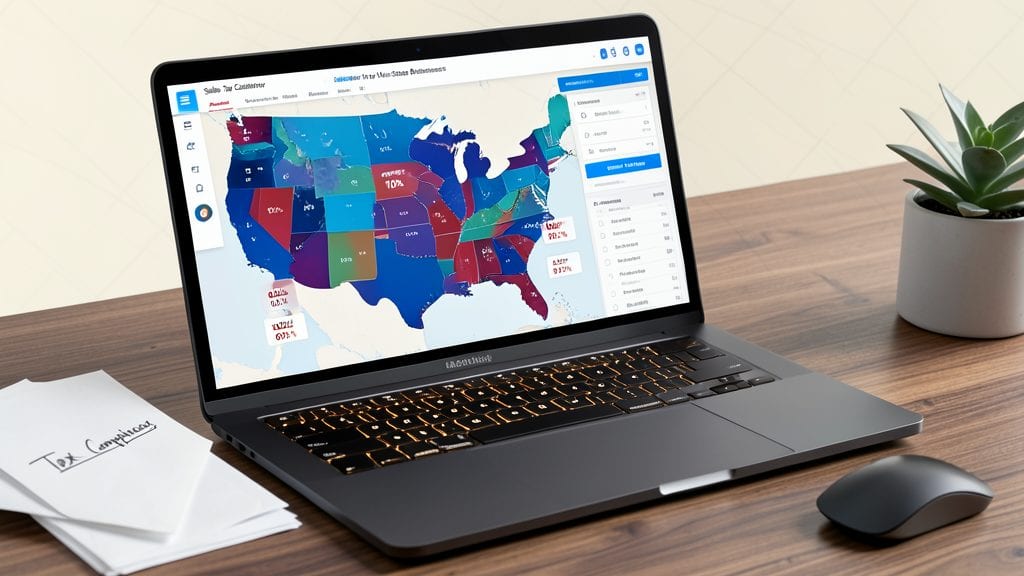
Navigating sales tax across multiple states can turn a simple sale into a headache—unless you automate it. This Sales Tax Calculator for Multi-State Businesses eliminates guesswork by pulling in real-time tax rates for every state (and even local jurisdictions) so you never overcharge or undercharge again.
The template includes customizable tax tables with dropdown menus for easy updates, automated subtotal calculations, and a detailed summary of taxes owed per transaction. It even accounts for tax-exempt sales and shipping tax rules, so you’re always compliant. Simply input your sales data, select the destination state, and let the spreadsheet handle the rest.
Perfect for e-commerce sellers on Shopify or Etsy, freelancers with clients nationwide, or service providers billing across state lines. Say goodbye to manual lookups and spreadsheets full of errors. ✨