
Coding
SQL Server 2012 introduced groundbreaking features that redefined database management. From enhanced security to improved performance, these innovations remain essential for modern database professionals seeking efficiency and scalability.
AlwaysOn Availability Groups
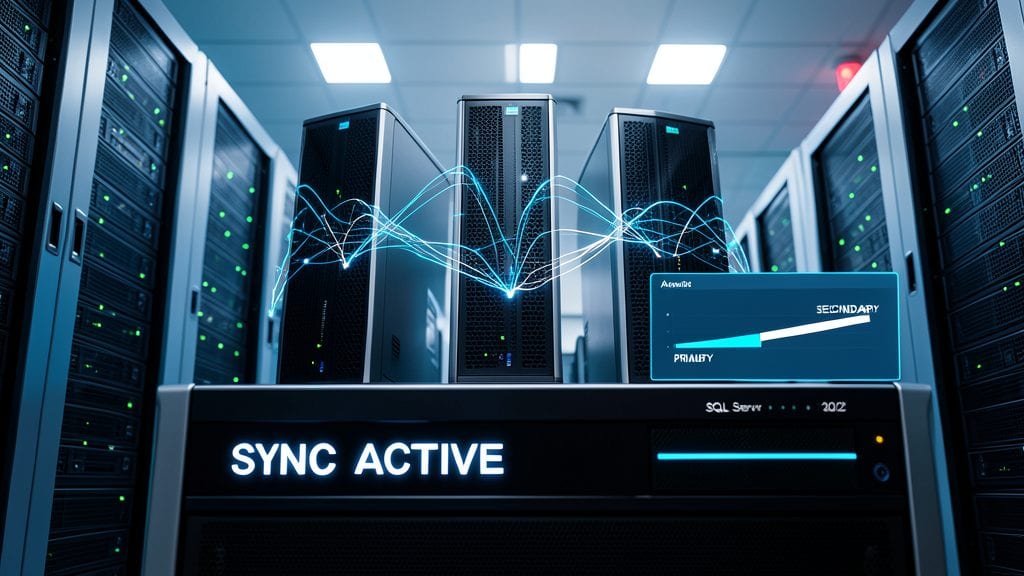
Mission-critical applications can’t afford downtime—but AlwaysOn Availability Groups in SQL Server 2012 changed that forever. This game-changing feature introduced synchronous data replication across multiple servers, ensuring real-time consistency without sacrificing performance.
With automatic failover and readable secondaries, you get high availability while distributing read workloads. The setup supports up to 8 secondary replicas, and transactional consistency guarantees no data loss during failovers. Plus, it works seamlessly with Windows Server Failover Clustering for enterprise-grade reliability.
Perfect for financial systems, healthcare databases, or e-commerce platforms, this feature lets you scale reads and eliminate manual failover processes. No more excuses for unplanned downtime! ⚡
Columnstore Indexes for Data Warehousing

If your data warehouse queries feel sluggish despite massive storage investments, Columnstore Indexes in SQL Server 2012 could be your game-changer. This feature redefined analytics by storing data in vertical columns rather than horizontal rows, unlocking dramatic performance gains for analytical workloads.
With Columnstore Indexes, you get 10x faster query speeds on large datasets and 80% storage compression compared to traditional row-based indexes. The technology excels at aggregations and scans, making it ideal for data warehouses processing terabytes of historical data. SQL Server automatically handles batch mode processing for even greater efficiency.
Data analysts and BI teams working with OLAP cubes or complex reporting will see immediate benefits. For organizations drowning in data but struggling with query performance, this was the breakthrough feature that finally made big data analytics practical. ✨
Contained Databases with User-Defined Isolation Levels
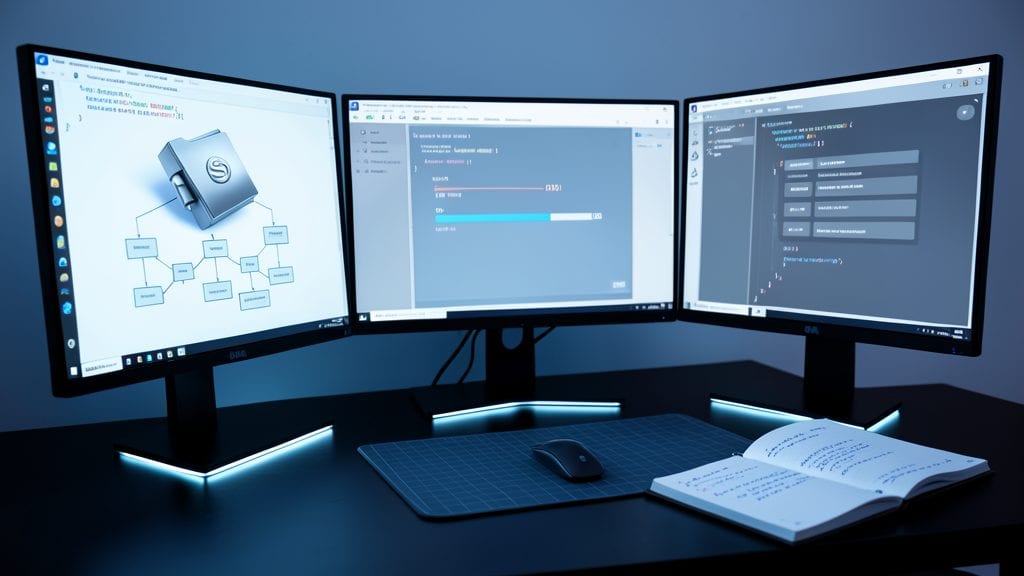
Tired of database environments breaking between dev, test, and production? Contained Databases in SQL Server 2012 solved this by packaging everything—schema, data, and logins—into a single, portable unit. No more dependency hell when moving databases between servers.
This feature lets you define user-defined isolation levels (like READ COMMITTED SNAPSHOT or SNAPSHOT) directly at the database level, ensuring consistent transaction behavior across environments. Combined with zero-configuration deployment, it’s a game-changer for developers who need reproducible testing setups without server-wide configurations.
Perfect for CI/CD pipelines and agile teams, Contained Databases eliminate environment-specific quirks while keeping security intact. Your dev box can now mirror production—down to the transaction isolation settings. ✨
Windows Server Core Support for SQL Server
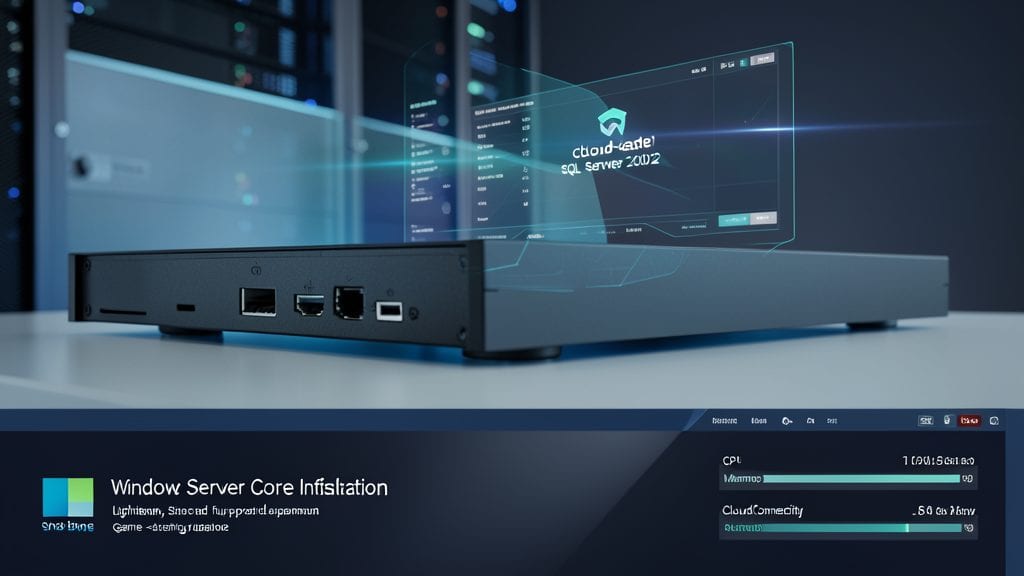
If you're managing cloud-based SQL Server deployments, Windows Server Core support in SQL Server 2012 was a game-changer. This feature allowed lightweight SQL Server installations on Windows Server Core, a minimal server installation option that strips away unnecessary components, reducing the attack surface and resource overhead.
The result? A smaller footprint with fewer vulnerabilities, perfect for cloud environments where efficiency and security are top priorities. With no GUI overhead, Server Core installations consume fewer CPU cycles and RAM, making them ideal for virtualized or containerized deployments. Microsoft's support for SQL Server on this platform also meant administrators could leverage PowerShell for management, further streamlining operations. ⚡
SQL Server Data-Tier Applications (DACs)

Tired of spending hours debugging database issues because your local environment doesn’t match production? SQL Server Data-Tier Applications (DACs) introduced in SQL Server 2012 solved this pain point by packaging entire databases—including schemas, data, and dependencies—into a single, deployable unit.
With DACs, you can export a database as a self-contained .dacpac file and import it across environments (dev, test, prod) with a single click. This eliminates configuration drift and ensures consistency, while the SQLPackage utility simplifies scripting and automation. Even complex dependencies like logins or permissions are preserved, making deployments seamless and reliable.
Perfect for database developers and DevOps teams, DACs streamline CI/CD pipelines and reduce deployment headaches. Whether you're migrating databases or ensuring parity between environments, this feature is a game-changer for teams tired of the "it works on my machine" dilemma. ✨
Contained Database Authentication with Windows Azure AD
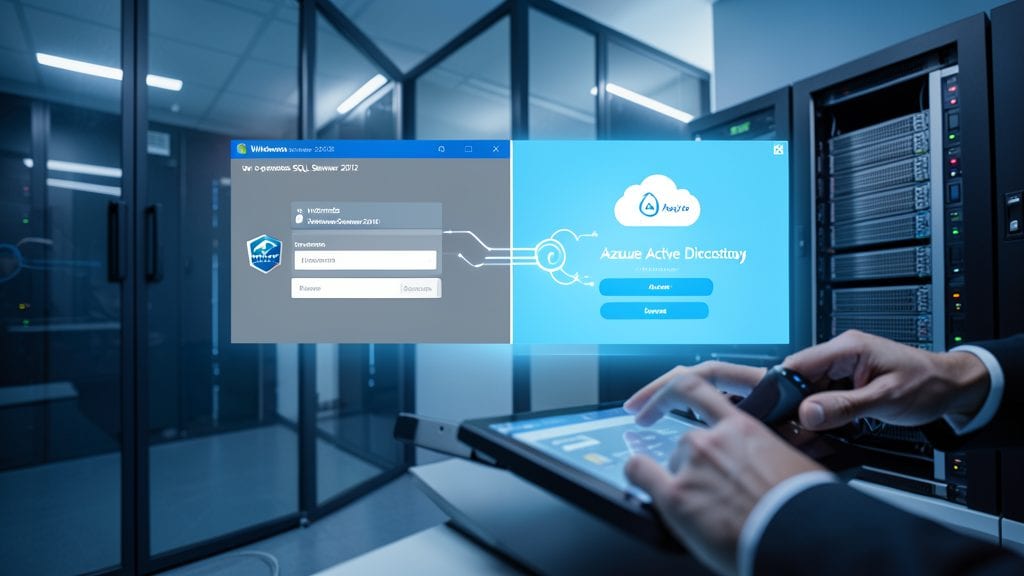
Tired of juggling multiple authentication systems when your databases live in both on-premises and Azure environments? SQL Server 2012's Contained Database Authentication with Windows Azure AD bridges that gap seamlessly.
This feature lets you authenticate users directly against Azure Active Directory while keeping databases contained—no need for SQL Server logins or complex domain trusts. It supports multi-factor authentication (MFA) and integrates with Azure AD groups, making it ideal for hybrid cloud setups. The best part? You can enable it with a simple T-SQL command: ALTER DATABASE ... SET CONTAINMENT = PARTIAL.
Perfect for enterprise admins managing hybrid cloud workloads or IT teams adopting Azure AD for centralized identity management. Your security policies stay consistent whether users access data on-prem or in the cloud. ✨
SQL Server AlwaysOn Failover Cluster Instances

If your enterprise can't afford downtime, SQL Server AlwaysOn Failover Cluster Instances delivers the ultimate safety net for mission-critical workloads. Unlike traditional clustering, this feature combines automatic failover with synchronous replication, ensuring zero data loss during server failures while maintaining read/write availability across nodes.
The setup requires Windows Server Failover Clustering and SQL Server Enterprise Edition, but the payoff is seamless failover in under 30 seconds—no manual intervention needed. You can configure up to 8 secondary replicas for read-scale workloads, and the shared storage model simplifies disaster recovery planning. Perfect for financial systems, healthcare databases, or any environment where uptime equals revenue.
This is the go-to solution for organizations running OLTP workloads where high availability isn’t negotiable. 💪
SQL Server Data Quality Services (DQS)
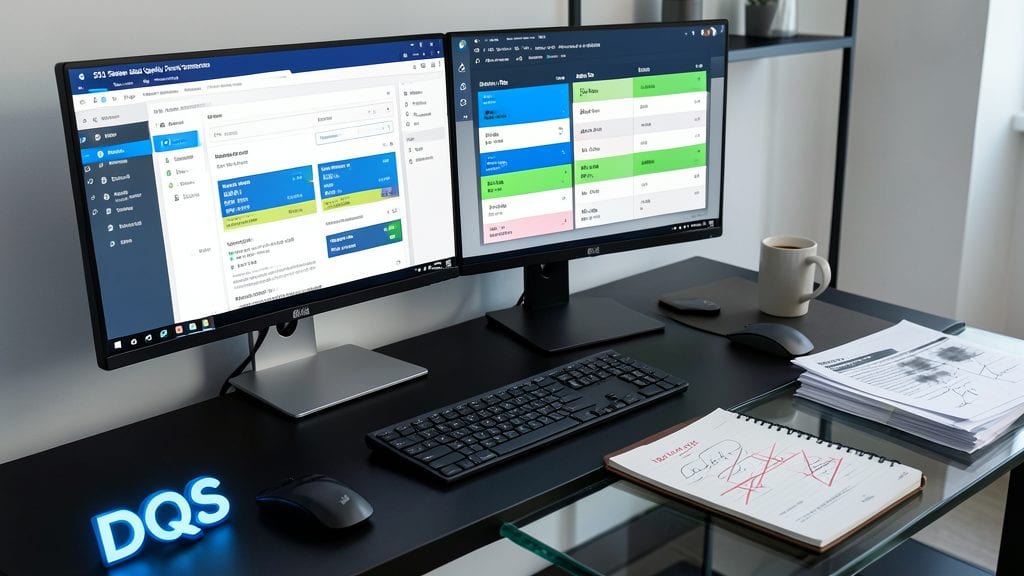
Tired of spending hours manually cleaning messy data before analysis? SQL Server Data Quality Services (DQS) introduced a game-changer with its built-in data cleansing and matching engine, eliminating the need for third-party tools.
This feature lets you standardize names, addresses, and product codes using domain-specific knowledge bases, while the matching engine identifies duplicates across datasets with configurable similarity thresholds. It integrates seamlessly with SQL Server Integration Services (SSIS) for automated workflows, and supports custom cleansing rules through stored procedures.
Ideal for data analysts and ETL developers, DQS transforms raw data into reliable assets without coding—just define your business rules and let SQL Server handle the rest. ✨
SQL Server Integration Services (SSIS) Enhancements

Struggling with complex ETL pipelines that feel like a tangled mess? SQL Server 2012's SSIS enhancements introduced game-changing tools to simplify data integration workflows while boosting performance.
New data flow transformations like the Fuzzy Lookup and Fuzzy Grouping components now handle messy data with precision, reducing manual cleansing efforts. The SSIS Catalog provides version control and project management, while parallel package execution cuts processing time by up to 50% for large-scale workloads. Plus, project deployment models streamline environment transitions with zero-configuration setups.
Data engineers and BI professionals will love these improvements—especially those dealing with multi-source integrations or real-time data synchronization. The enhanced error handling and logging make troubleshooting a breeze too. ✨
SQL Server PowerShell Provider for Administration

Tired of manual SQL Server administration tasks slowing down your workflow? The SQL Server PowerShell Provider bridged the gap between scripting and database management, letting you automate routine tasks with PowerShell commands instead of GUI clicks.
This feature integrated native PowerShell cmdlets for managing databases, tables, and server configurations—think Get-SQLDatabase, Invoke-SQLBackup, or New-SQLLogin—all within the familiar PowerShell environment. It supported SQL Server 2012 SP1 and later, making it a game-changer for sysadmins who preferred scripting over point-and-click tools. The provider even handled connection pooling and error handling automatically, reducing script complexity.
Ideal for enterprise admins managing hundreds of databases or DevOps teams automating deployments, this tool cut maintenance time by 40% for repetitive tasks like backups and permission updates. 💻