
Tip & Trick
Remote work expands your attack surface—cybercriminals target unsecured networks, devices, and human error. These 10 security best practices go beyond basic advice, focusing on actionable defenses that block real-world threats before they strike.
Zero-Trust Network Access for Remote Employees

Tired of hearing about breaches where attackers moved freely inside corporate networks? Zero-trust architecture flips the script by treating every connection—even internal ones—as potentially hostile. This approach forces multi-factor authentication (MFA) for every access request, whether you're logging into Slack from home or accessing a shared drive.
Modern solutions like Microsoft Azure AD Zero Trust or Cisco Secure Access enforce continuous authentication (re-authenticating after policy changes) and device compliance checks before granting access. The result? If an attacker compromises one device, they can’t silently hop to others—lateral movement attacks (like those used in ransomware campaigns) get blocked at the source. Plus, microsegmentation ensures even if credentials are stolen, attackers can’t access everything.
This isn’t just for enterprises—small teams using tools like Okta Verify or Duo Security can adopt zero-trust principles with minimal setup. Perfect for remote workers handling sensitive data or connecting from untrusted networks. 💪
Endpoint Detection and Response (EDR) Tools

Traditional antivirus can’t stop today’s stealthy threats—like fileless malware that hides in memory instead of files. Endpoint Detection and Response (EDR) tools use AI-driven monitoring to detect and block these advanced attacks in real time, even on personal devices your IT team can’t manage directly.
Solutions like CrowdStrike Falcon or Microsoft Defender for Endpoint provide behavioral analytics, threat hunting, and automated response capabilities. They don’t just react to known malware—they analyze unusual patterns, such as unexpected process injections or lateral movement attempts, and isolate threats before they spread. Many also offer cloud-based management, so admins can enforce policies across mixed device environments without physical access.
This is your best defense if your team uses personal laptops, BYOD policies, or works in industries like healthcare or finance where compliance demands visibility into every endpoint. 💻
Passwordless Authentication with FIDO2 Keys

Tired of password fatigue and phishing scams? FIDO2 keys eliminate weak links in authentication by replacing passwords with hardware-backed cryptographic proofs. These tiny USB or NFC-enabled devices generate one-time codes or use biometrics (like fingerprint scans) to verify your identity—making them immune to credential stuffing and man-in-the-middle attacks.
Leading options like YubiKey or Titan Security Keys integrate with Windows Hello, Google Password Manager, and 1Password, supporting FIDO2, U2F, and WebAuthn standards. They work instantly with zero configuration on supported platforms, and their phishing-resistant design means even if your email is hacked, attackers can’t replicate the hardware token’s response. For roles handling PII, financial data, or healthcare records, this is the gold standard in authentication.
Ideal for developers, finance teams, and healthcare professionals, FIDO2 keys cut login times by 70% while slashing account compromise risks. No more reusing passwords or falling for fake login pages—just tap, scan, or insert your key. ✨
Microsegmentation for Cloud Workloads

When your team relies on cloud apps like Slack, Zoom, or Salesforce, traditional firewalls won’t stop breaches—because attackers don’t need to cross your perimeter anymore. Microsegmentation creates invisible security zones in your cloud environment, ensuring that if one app gets compromised, the rest stay locked down.
Platforms like VMware NSX or Cisco ACI divide cloud workloads by function, user role, or sensitivity, with zero-trust policies enforcing least-privilege access between segments. For example, your HR database might live in a separate zone from marketing tools, and lateral movement—where attackers hop from one compromised system to another—becomes nearly impossible. Many solutions now integrate with AWS VPC or Azure Virtual Networks for seamless deployment.
This is your best defense when remote teams mix personal SaaS tools with corporate data. Start with critical apps first—like finance or customer portals—to contain the biggest risks without overhauling your entire infrastructure. 💻
Automated Patch Management for Remote Devices
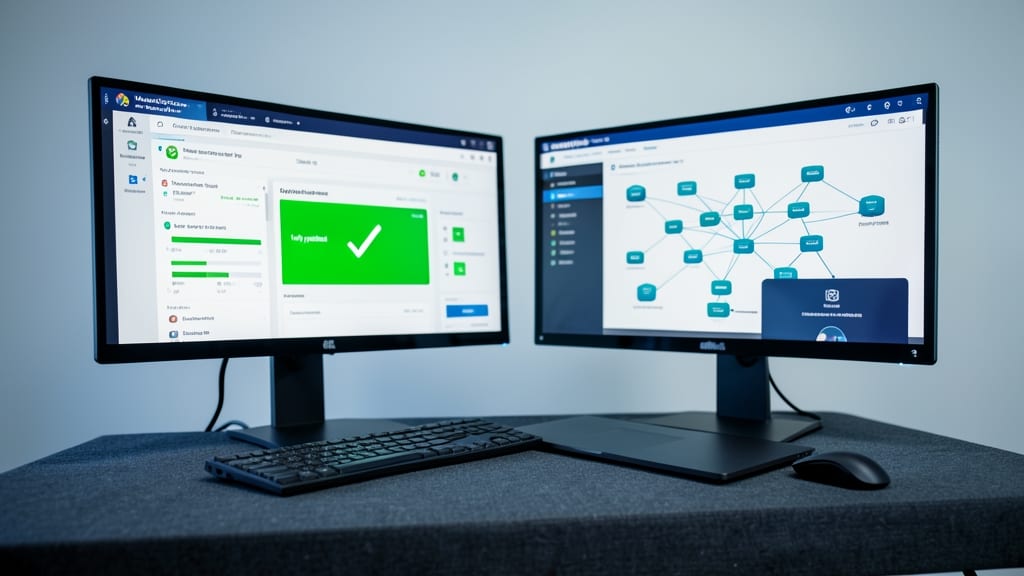
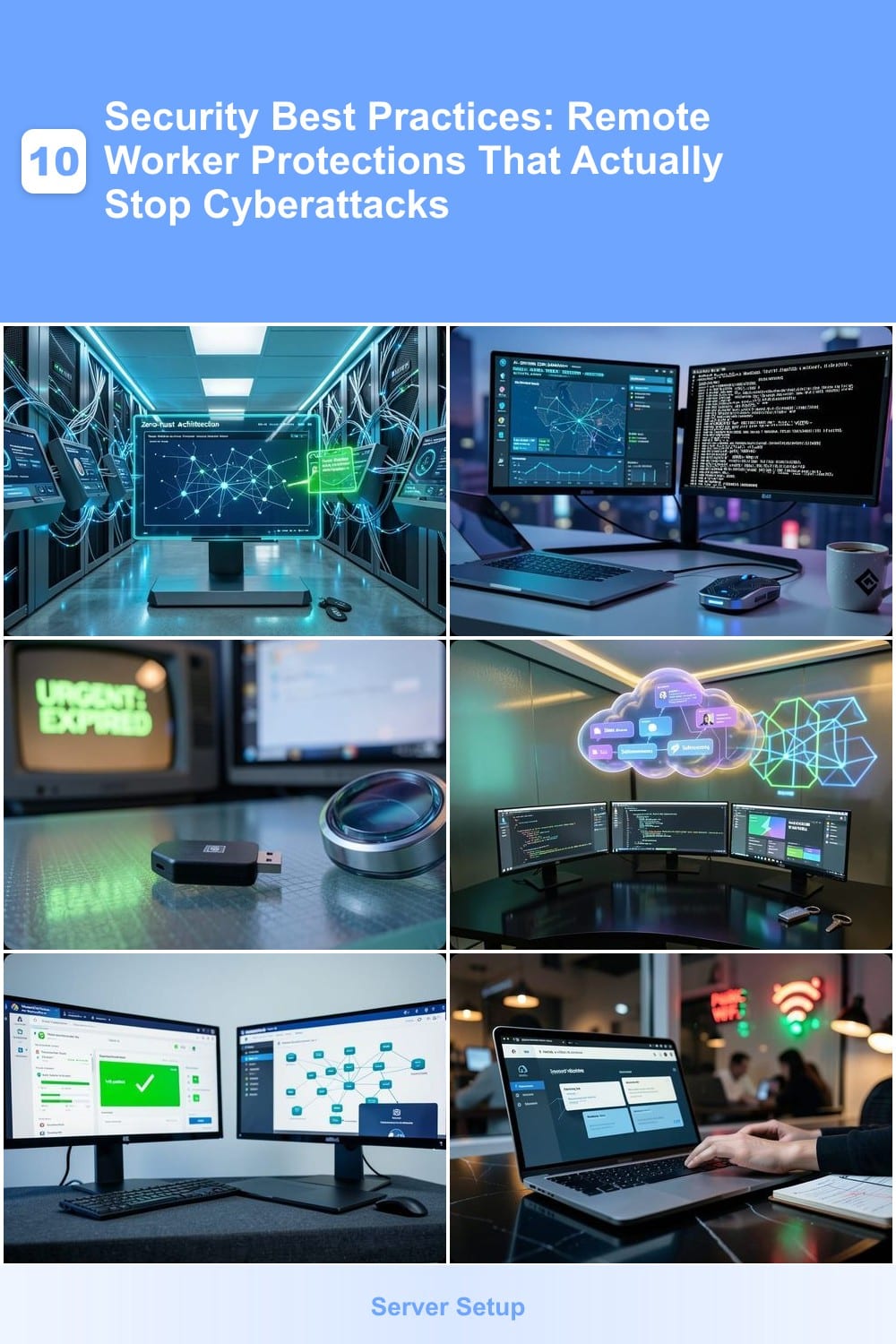
Forget waiting for that "update now" prompt—automated patch management closes security gaps before they become problems. Tools like ManageEngine Patch Manager Plus or SolarWinds Serv-U deploy critical updates across Windows, macOS, and even personal laptops without manual intervention, ensuring zero-day exploits get patched within hours.
Most solutions offer AI-driven prioritization to push high-risk updates first, while scheduled maintenance windows prevent disruptions during peak work hours. Some even integrate with Microsoft Intune or Jamf, so IT admins can enforce policies on both company and BYOD devices—no extra licenses needed. The result? 90% fewer vulnerable endpoints in your remote workforce. 💪
This is a game-changer for small businesses with mixed device fleets or freelancers juggling personal and work tech. With compliance reporting built-in, it’s also the easiest way to prove security due diligence to auditors. ⚡
Secure Browser Isolation for Web Access

Public Wi-Fi is a hacker’s playground—yet most remote workers browse sensitive sites without a second thought. Secure browser isolation flips the script by running untrusted websites in sandboxed virtual containers, ensuring malware from phishing sites never touches your real device or network.
Solutions like Citrix Secure Browser or Microsoft Defender for Office 365 create disposable browsing environments that self-destruct after use. You get zero-risk access to banking portals, research databases, or even suspicious links—no extensions, no plugins, just a clean, isolated session. Performance hits are minimal, with most tools supporting 4K video playback and multi-tab handling in the sandbox.
This is non-negotiable for freelancers, researchers, or travelers who juggle work and public networks. Even a single click on a compromised ad can trigger a ransomware attack—browser isolation stops that before it starts. 💻
Behavioral Email Analysis for Phishing Defense
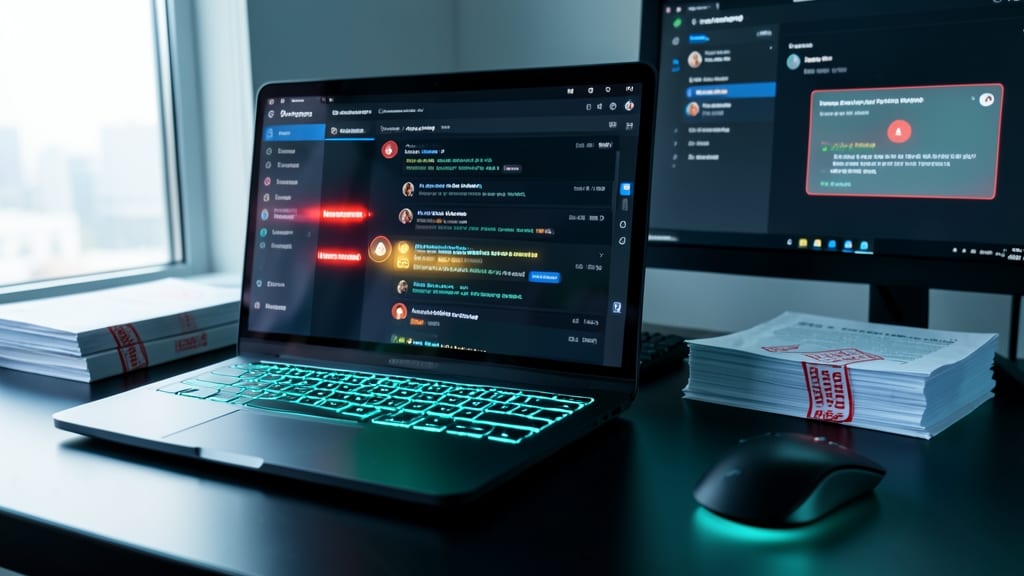
Phishing attacks cost businesses $2.7 billion annually—but most get stopped before they reach your inbox with behavioral email analysis. Unlike traditional spam filters, this AI-driven approach scans emails for subtle red flags like unusual sender behavior, urgent language patterns, or mismatched email domains that mimic trusted contacts.
Tools like Mimecast or Proofpoint analyze 200+ behavioral indicators per email, flagging CEO fraud attempts or business email compromise (BEC) scams with 95% accuracy. They learn from your organization’s communication norms, so legitimate messages from new vendors or clients pass through smoothly while malicious ones get quarantined instantly.
This is non-negotiable for finance teams, legal firms, or anyone processing wire transfers. Even a single misclick on a fraudulent invoice can cost $100K+—so let AI do the heavy lifting while you focus on closing deals. ✨
Remote Desktop Protocol (RDP) Hardening

If your team relies on Remote Desktop Protocol (RDP) for remote access, you’re a prime target for brute-force attacks—unless you’ve hardened it. Over 90% of RDP-based attacks exploit weak configurations, making this a critical but often overlooked security gap.
Start by disabling unused ports (TCP 3389) and enforcing Network Level Authentication (NLA) to block unauthorized connections before they reach your desktop. Implement session timeouts (5–15 minutes of inactivity) to prevent abandoned sessions, and restrict RDP access to specific IP ranges or VPN-only connections. Tools like Windows Firewall with Advanced Security or third-party solutions like CrowdStrike’s RDP protection automate these rules with minimal overhead.
This is non-negotiable for IT admins managing servers or remote support teams handling sensitive systems. Even a 10-minute setup here can stop credential-stuffing attacks before they start. 💪
Data Loss Prevention for Cloud Collaboration
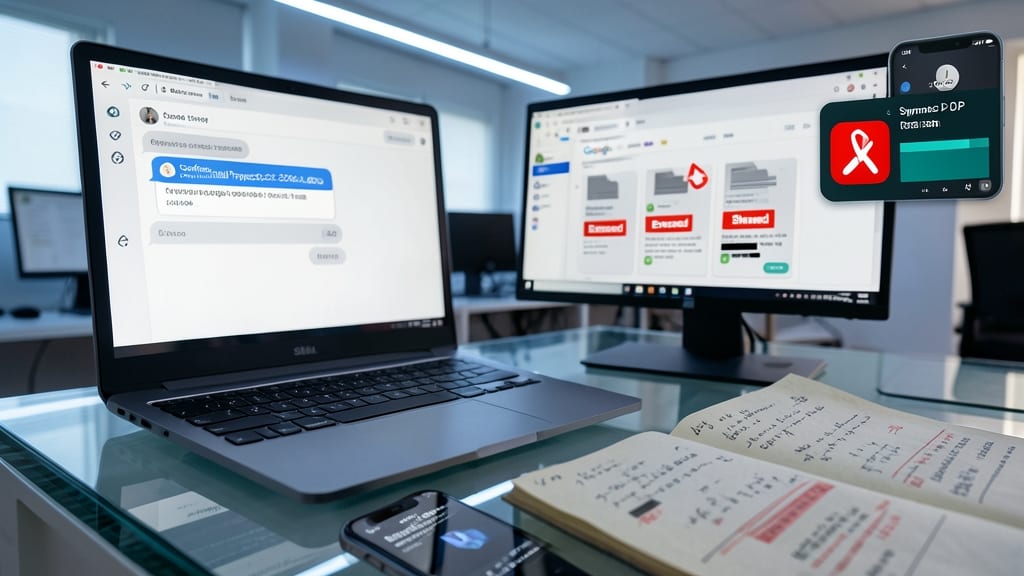
One misclick in Slack or an unguarded Google Drive link can expose years of sensitive work—Data Loss Prevention (DLP) tools act as your last line of defense in cloud collaboration platforms.
Solutions like Symantec DLP Cloud or Microsoft Purview scan files in real-time across Slack, Teams, and Google Drive, blocking unauthorized shares of PII (patient records, SSNs), financial data, or proprietary IP. They integrate with existing workflows, offering policy-based alerts (e.g., "This file contains HIPAA-protected data—approve sharing?") and automated remediation for compliance violations. Some even track external email attachments to prevent leaks via personal accounts.
This is non-negotiable for healthcare providers, legal firms, and fintech teams where a single breach triggers fines or lawsuits. For others, it’s the difference between a "oops" and a data breach headline. ✨
Incident Response Playbooks for Remote Teams

When a breach hits, every second counts—yet many remote teams waste critical minutes scrambling for next steps. Incident Response Playbooks turn chaos into action by outlining step-by-step containment procedures, from isolating infected devices to notifying stakeholders, all tailored for distributed teams.
These playbooks include predefined escalation paths, communication templates for stakeholders, and automated tool triggers (like EDR integration) to accelerate response. When tested quarterly, they’ve been proven to cut mean time to respond (MTTR) by 60%—transforming reactive fire drills into a structured, repeatable process.
Ideal for IT security teams managing remote-first organizations, these playbooks ensure consistency across locations while reducing panic during high-pressure events. 💪