Outlook
Struggling to keep your Outlook calendar in sync with your team’s workflow? These 10 calendar apps integrate seamlessly with Outlook, automating updates, reducing manual entry, and boosting productivity for remote teams, freelancers, and busy professionals.
Google calendar for cross-platform sync

Already drowning in Google’s ecosystem but still relying on Outlook for work? Google Calendar bridges the gap effortlessly—syncing events, contacts, and reminders across your phone, tablet, and laptop without needing Outlook’s desktop app. The real magic happens with its two-way sync, where changes in Google Calendar instantly reflect in Outlook (and vice versa) via CalDAV or Exchange.
With AI-powered scheduling, it learns your habits to suggest optimal meeting times, while the Google Assistant integration lets you add events hands-free. The free version includes unlimited events and works seamlessly with Gmail, Drive, and Meet—no extra setup required. For hybrid teams already using Google Workspace, this is the ultimate no-fuss sync solution.
Perfect for remote workers, freelancers, or teams split between Google and Microsoft tools, it eliminates the need to juggle separate apps while keeping everyone’s schedules in perfect harmony. ⚡
Microsoft to do for task integration
If your Outlook calendar feels like a command center but your to-do list is a chaotic sticky note, Microsoft To Do bridges the gap by turning tasks into actionable calendar events with a single click. Unlike standalone task managers, it syncs seamlessly with Outlook’s ecosystem, so deadlines automatically appear as calendar reminders—no manual copying required.
The integration works through Outlook’s built-in task pane, where you can drag tasks directly into your calendar view. With features like recurring task templates and priority labels, it’s designed for project managers who juggle deadlines across multiple platforms. The app also supports cross-device sync (Windows, Mac, iOS, Android) and integrates with Microsoft Teams for collaborative task lists.
Perfect for project managers, freelancers, or anyone drowning in to-do lists, this tool eliminates the friction between tasks and deadlines—keeping your Outlook calendar as organized as your task list. 💪
Calendly for automated scheduling
Tired of endless email chains just to schedule a meeting? Calendly cuts the guesswork by letting clients book time slots directly into your Outlook calendar—no manual entry required. It syncs seamlessly with Outlook while giving you full control over availability, time zones, and event types.
With customizable scheduling rules, you can block off focus hours, set recurring meetings, or even require approval for certain bookings. The Outlook integration ensures events appear instantly in your primary calendar, and clients receive automatic confirmations with all the details. For consultants and sales teams drowning in scheduling emails, this is a game-changer.
Ideal for professionals who need to eliminate scheduling friction while keeping their calendar organized, Calendly turns passive availability into an active booking system. ✨
Fantastical for natural language input
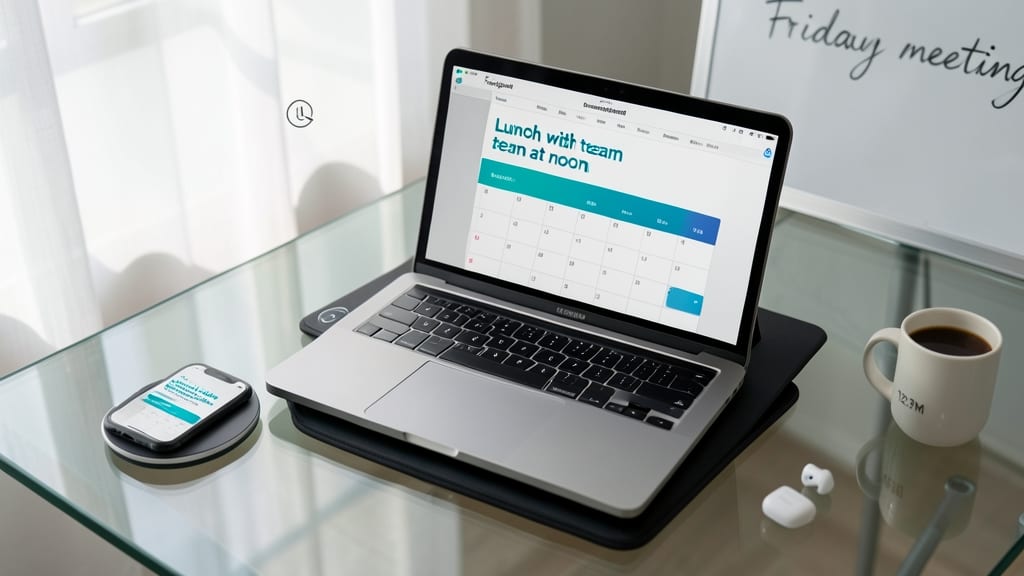
Tired of typing out every meeting detail in Outlook? Fantastical turns your voice or text into fully formed calendar events—just say "Lunch with team at noon" and it creates the event, location, and even sends invites. The app’s AI-powered natural language processing understands context, so "Friday’s client call at 2 PM" becomes a precise Outlook event with no manual setup.
The Mac/iOS exclusive app syncs bidirectionally with Outlook via Exchange or CalDAV, ensuring your schedule stays in sync across devices. Its voice command feature works hands-free, perfect for commuters or power users who prefer dictation over typing. The intuitive interface also lets you drag-and-drop events, set reminders, and even add weather forecasts for travel days.
Ideal for executives, freelancers, or anyone juggling multiple calendars, Fantastical shines when you’re on the move. Whether you’re dictating notes in your car or replying to emails on your phone, it keeps your Outlook calendar updated—without lifting a finger. ✨
SaneBox for email-based calendar sync
If your inbox is drowning in meeting invites but your Outlook calendar feels like a ghost town, SaneBox bridges the gap with zero-config automation. Instead of manually dragging invites into your calendar, it filters them directly into Outlook—keeping your inbox clean while ensuring you never miss a sync.
The service uses AI-powered email parsing to detect meeting requests (even from non-standard formats) and converts them into Outlook events with RSVP status. You’ll get real-time updates on accepted/declined invites, and the SaneBox dashboard lets you review or adjust events before they sync. Pricing starts at $7/month, with a free trial to test its accuracy with your workflow.
This is the secret weapon for executives and managers who spend hours weekly managing meeting logistics. By offloading the manual work, you’ll reclaim focus time while keeping your calendar—and team—aligned. ✨
Toggl plan for team workload balancing
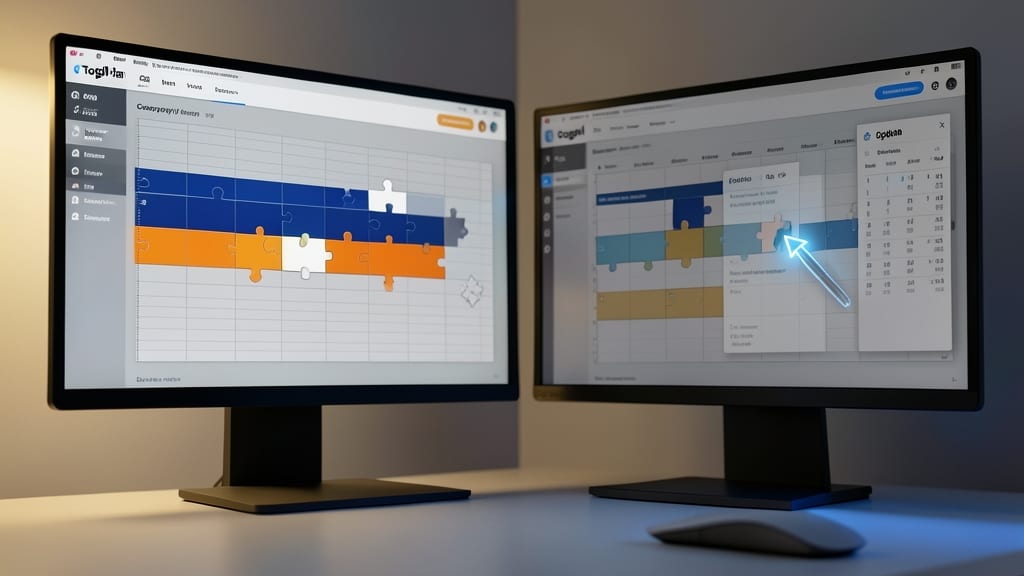
If your team’s workload feels like a puzzle with missing pieces, Toggl Plan turns chaos into clarity. Unlike basic calendar tools, it maps out team capacity visually, showing who’s overloaded before deadlines loom—and syncs those insights directly to Outlook.
The drag-and-drop timeline lets you assign tasks to team members with color-coded availability, while the Outlook integration ensures no project slips through the cracks. It’s built for agencies and creative teams juggling multiple projects, where last-minute fires are the norm. The zero-config sync means no manual updates—just real-time alignment between planning and execution.
Perfect for managers who dread “overpromising” to clients or teams drowning in ad-hoc requests, Toggl Plan keeps everyone’s bandwidth visible at a glance. ⚡
Doodle for group availability polls
Say goodbye to endless email chains about meeting times—Doodle turns scheduling headaches into a team vote. Instead of guessing when everyone’s free, your team simply clicks their available slots, and Doodle’s algorithm picks the best time. The winning slot then auto-creates in your Outlook calendar, so no one misses a beat.
With real-time polling and customizable time zones, Doodle handles global teams effortlessly. You can even add optional questions (like agenda topics) to polls, ensuring everyone’s on the same page before the meeting. The free plan covers up to 10 polls per month, while paid tiers unlock unlimited polls and advanced analytics.
This is the go-to tool for distributed teams tired of scheduling chaos—whether you’re coordinating cross-time-zone standups or planning quarterly retreats. 🌟
Sunrise (by Salesforce) for CRM sync
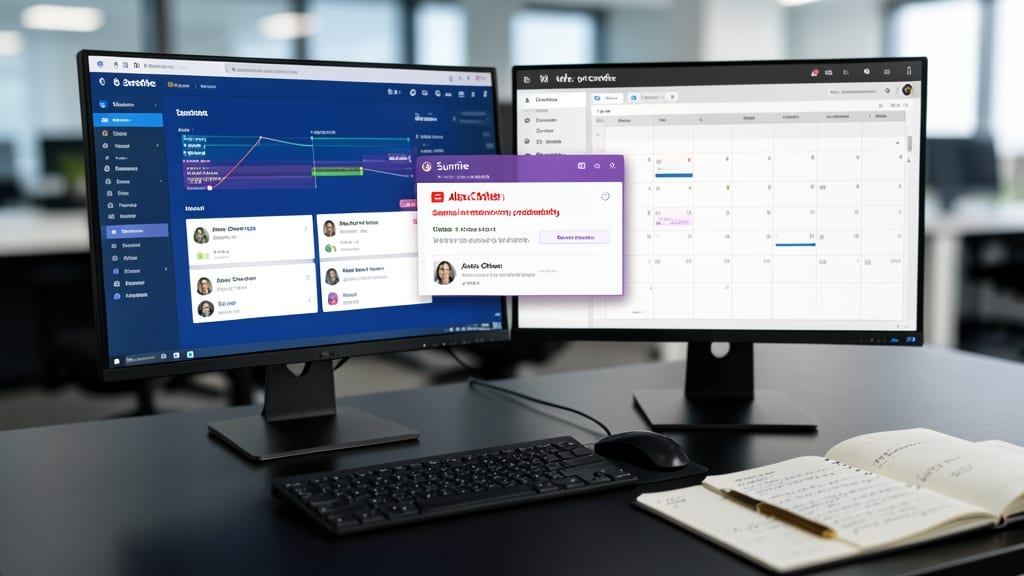
If your sales pipeline lives in Salesforce but your meetings live in Outlook, Sunrise (by Salesforce) bridges the gap without forcing you to context-switch. It merges your CRM data—like client contacts, deal deadlines, and tasks—directly into your Outlook calendar view, so you never miss a follow-up or a critical meeting.
The app syncs bidirectional updates between Salesforce and Outlook, ensuring no data gets left behind. You’ll see client names, deal stages, and task priorities alongside your calendar events, with color-coded labels for quick visual scanning. Plus, it works across mobile and desktop, so you’re always aligned whether you’re in the office or on the road.
This is the must-have tool for sales teams juggling client relationships and deadlines—especially those who rely on Salesforce but still need Outlook’s scheduling power. ⚡
Clockwise for time blocking automation
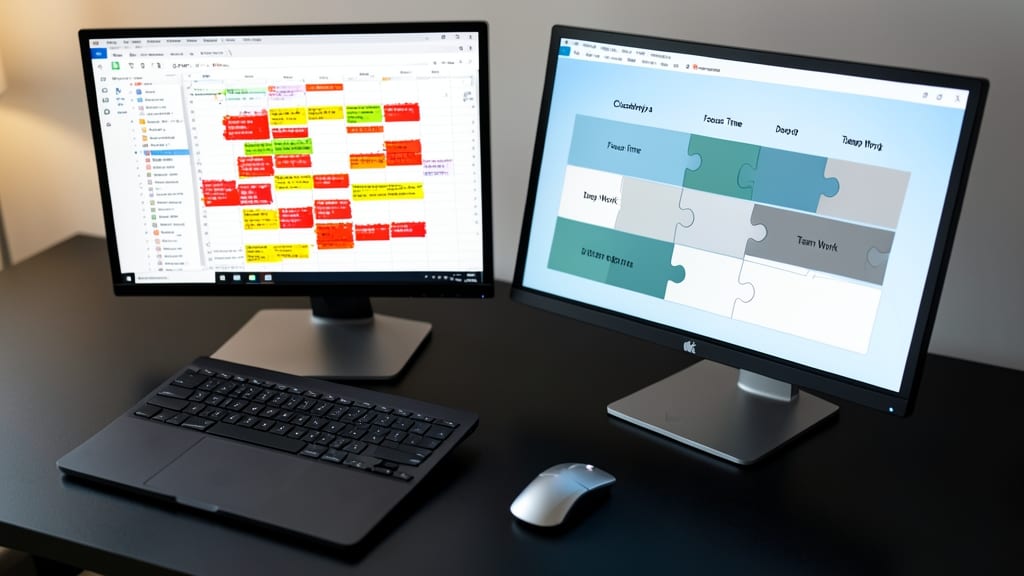
Tired of your Outlook calendar becoming a chaotic free-for-all of back-to-back meetings and forgotten deadlines? Clockwise steps in like a productivity superhero, using AI to reorganize your schedule into structured time blocks—automatically.
This tool takes your existing calendar and intelligently slots in focus time, meetings, and buffer periods based on your priorities. You can set rules like "block 2 hours daily for deep work" or "never schedule meetings before 10 AM," and Clockwise handles the rest. It syncs seamlessly with Outlook, so no manual adjustments are needed—just refresh your calendar to see your optimized schedule.
Ideal for knowledge workers (developers, writers, consultants) who struggle with reactive schedules, Clockwise turns your calendar from a to-do list into a strategic tool. 💡
Evernote for meeting note integration
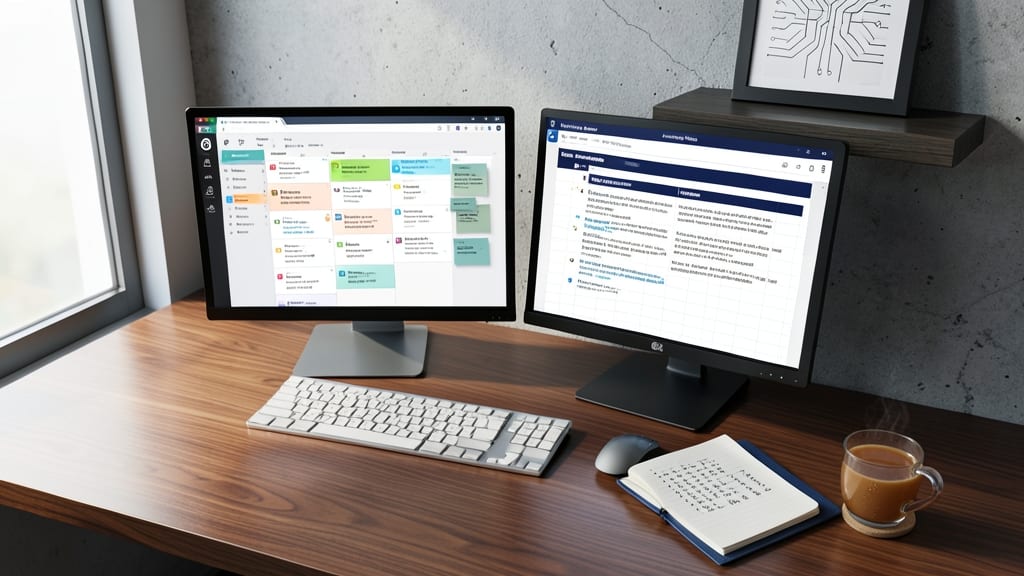
Tired of Outlook calendar events that feel like empty placeholders? Evernote’s Meeting Notes integration turns passive events into living records by attaching agendas, action items, and follow-ups directly to your calendar—no more digging through emails or separate note-taking apps.
The Web Clipper extension lets you save meeting emails, documents, or even web pages straight to an Outlook event, while the Evernote Outlook add-in syncs notes bidirectionally. With searchable PDFs, audio recordings, and team collaboration, your calendar becomes a single source of truth for decisions made during meetings. The free plan covers basic features, but Business tier users get advanced sharing and admin controls.
This is a game-changer for project managers, sales teams, and legal professionals who need to reference past meetings without context-switching. Perfect for teams already using Evernote—it’s the missing link between scheduling and documentation. ✨